Your space, reimagined What will you create?What will you create?













Create with AI
Choose a starting point. Your editor opens right here.
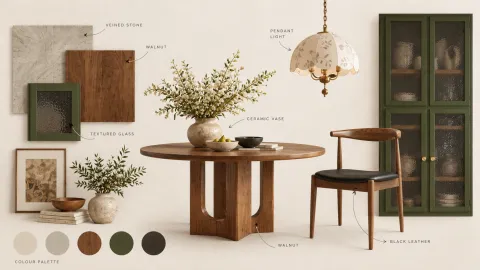
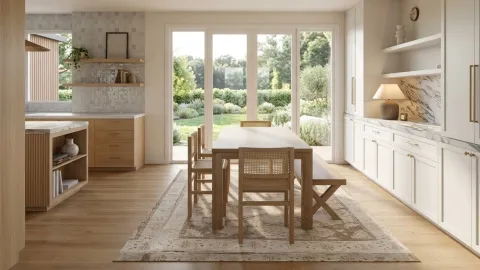
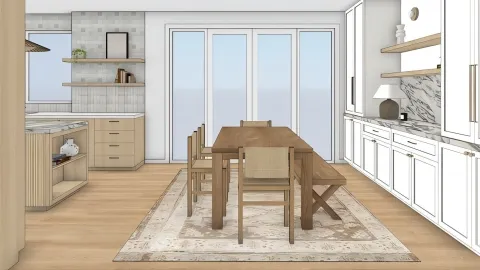
See what your next idea could become
Illustrative examples from Coohom tools.
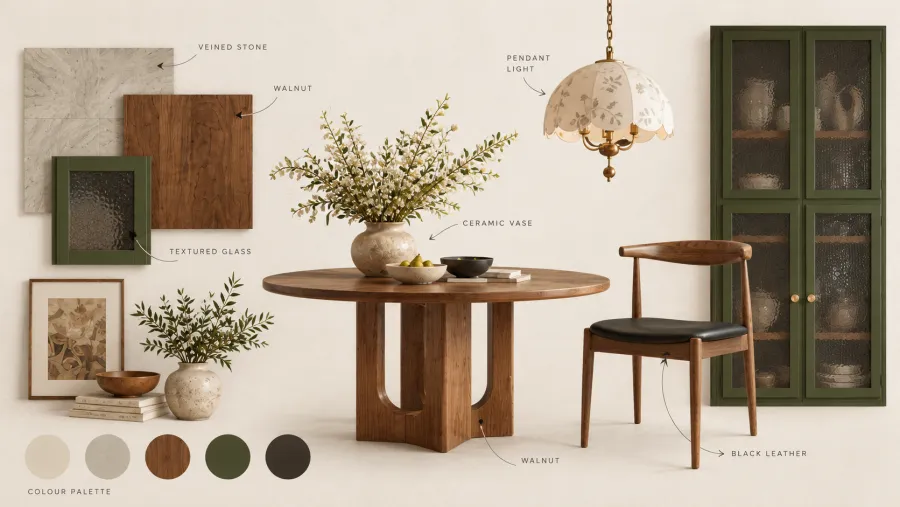
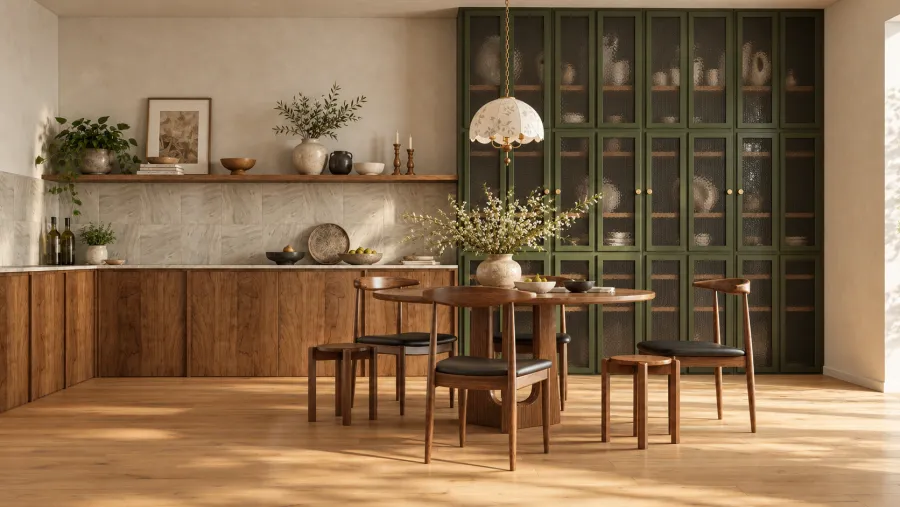

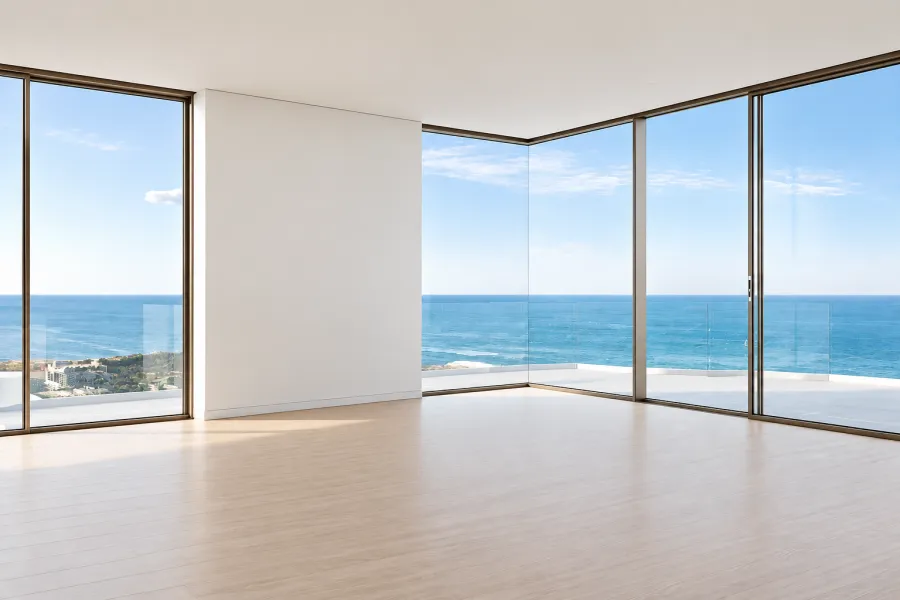
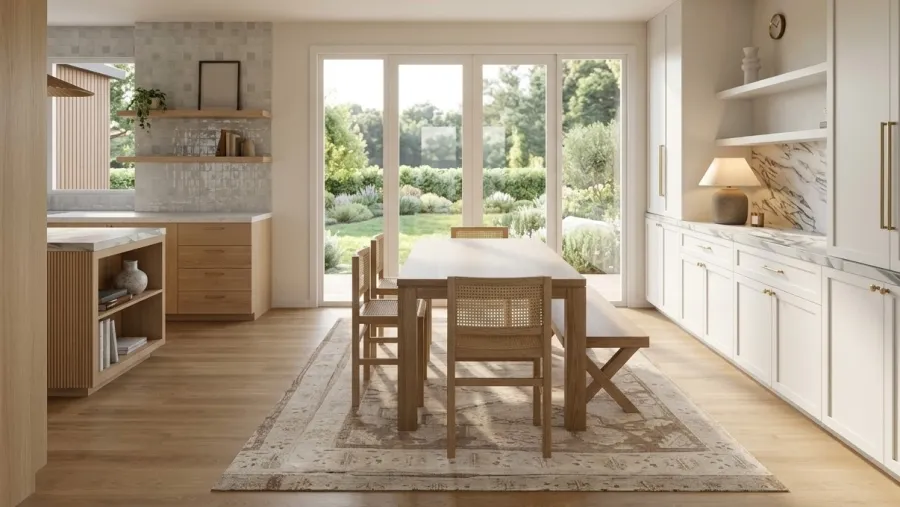
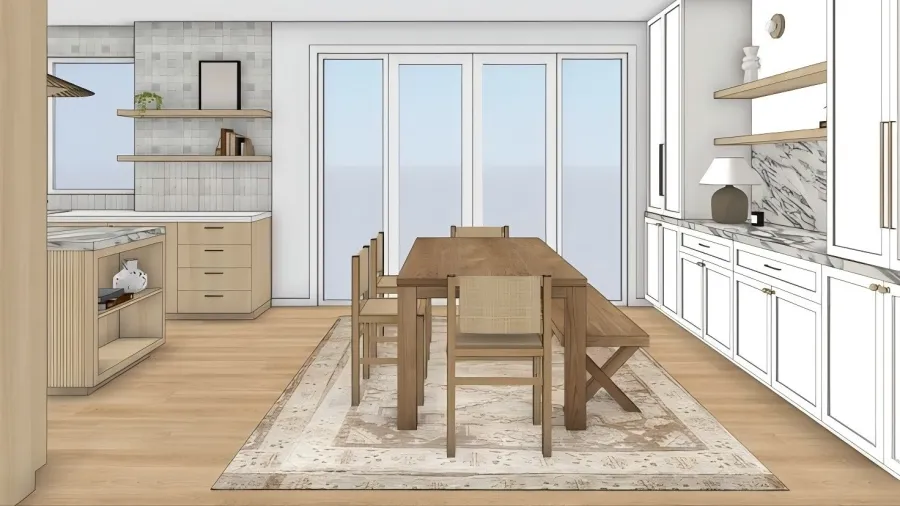


What will you create today?
Explore AI tools for your next idea.
Find a layout that fits your space.
- 01
Start with a floor plan
Import a floor plan for the space you want to furnish.
- 02
Generate furniture layouts
Choose the space to lay out and let AI suggest furniture arrangements.
- 03
Review your options
Explore the generated layouts and choose the arrangement that works for you.
See your space in a new light
- 01
Upload your image
Add a room photo, a sketch or a reference image. Choose the scene you want to create.
- 02
Set your direction and generate
Select the available style, model and output settings. Review the credit cost, then select Generate.
- 03
Explore your result
Open the result in Generation history. Compare it, download it or continue designing.
Give your ideas another dimension
- 01
Start with an image or an idea
Upload a clear object photo, or choose text input when supported by the selected model.
- 02
Choose settings and generate
Select a model, adjust the available parameters and dimensions, then select Generate.
- 03
Inspect your 3D result
Open the completed result in the viewer. Rotate the model and find it again in My assets.
A few things to know
What can I create here?
Create and transform interior images, or explore text and image inputs in AI Modeler. Choose the tool that fits your idea.
Do I need an account?
Sign in to use the tools and access your creations. Available features depend on your account and space.
How are credits used?
The editor shows the credit cost for your selected model and output settings before you generate. Available credits and access depend on your account and plan.
Where can I find my creations?
Open My assets to find your AI images and models. The tools also provide their existing history and result views.