# photo-studio-partial-smart-editing-precise-control-for-detailed-image-adjustments
> Easily modify or delete specific elements in images using Partial Edit and Remove tools. Adjust objects, text, shadows, and more with precision. Start enhancing now!
- **URL**: https://www.coohom.com/helpcenter/photo-studio-partial-smart-editing-precise-control-for-detailed-image-adjustments
- **Locale**: en_US
- **Updated**: 2026-09-01
## Content
Feature Overview
================
| Feature | Description | Key Difference |
|----------------|---------------------------------------------------------------------------------------------------------------------------------------------------|--------------------------------------------------------------------------------------------------------------------|
| Partial Edit | Supports intelligent editing of selected areas in an image, allowing you to precisely add or modify people, pets, props, text, and other content. | Focuses on **modification and optimization**---adjusting, adding, or replacing elements within the original image. |
| Partial remove | Supports the precise removal of specified elements from an image. | Focuses on **elimination and cleanup**---only deleting the target element. |
For Users
=========
* All Coohom Credits plan customers
Feature Details
===============
1. Partial Edit
---------------
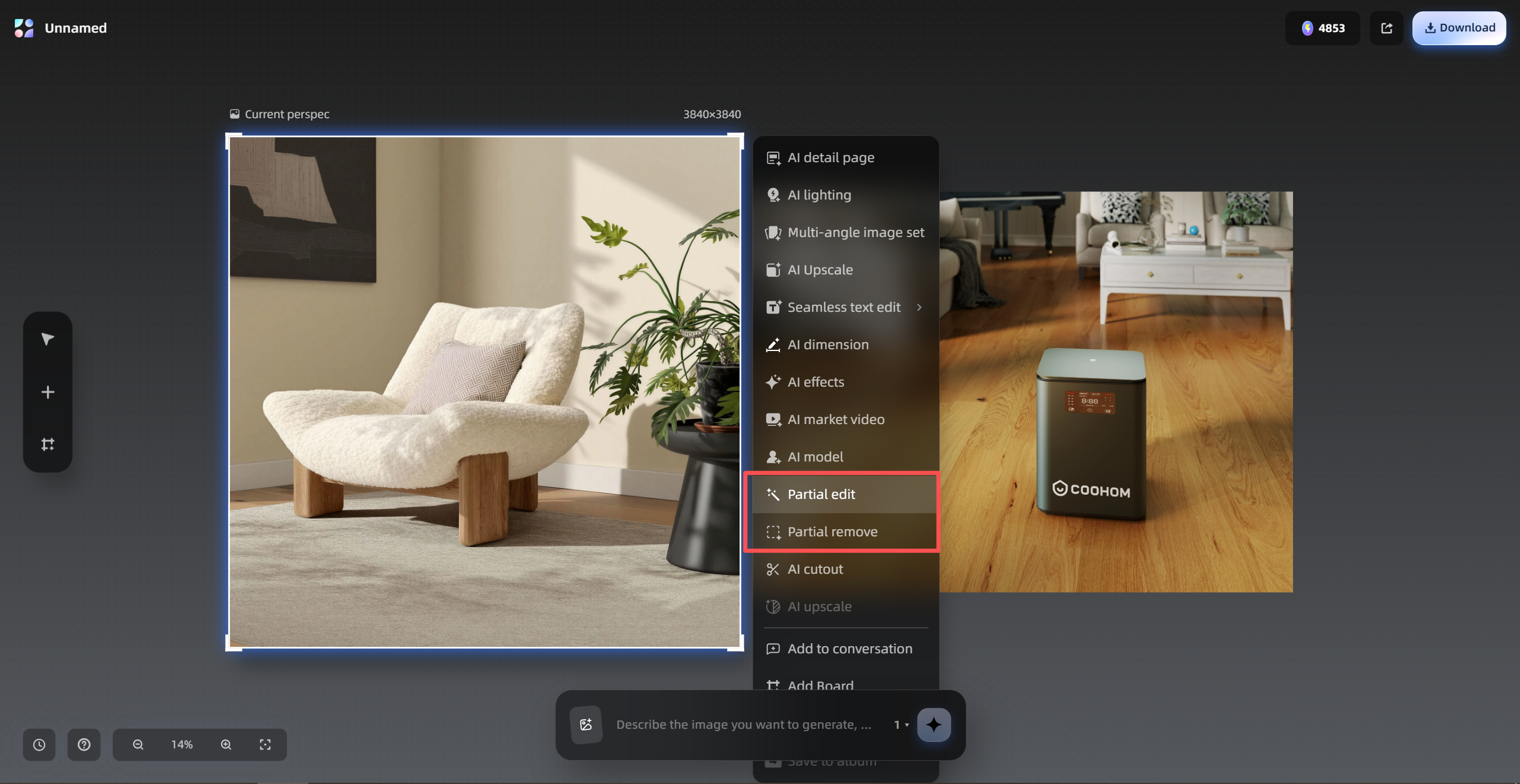
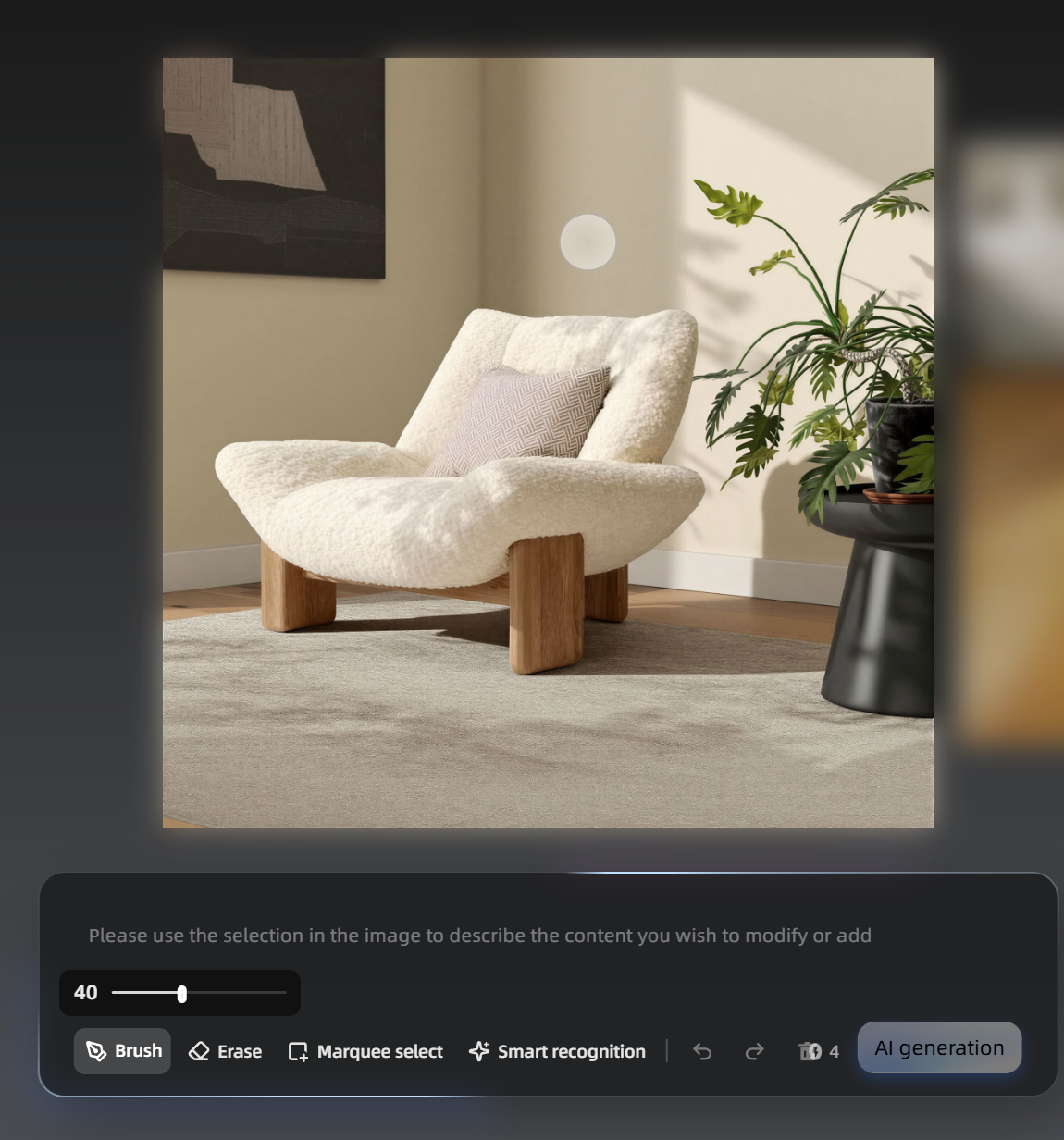
* Access: AI Toolkit - Studio Canvas - Upload an image - Click **Partial Edit** on the right panel
Original vs Partial Edit Results
--------------------------------
|-----------------------------------------------------------------------------------------------------------|----------------------------------------------------------------------------------------------------------------------------------|----------------------------------------------------------------------------------------------------------------------------------|
| Prompt | Original Image | Partial Edit Result |
| An adult German Shepherd inside a cage | 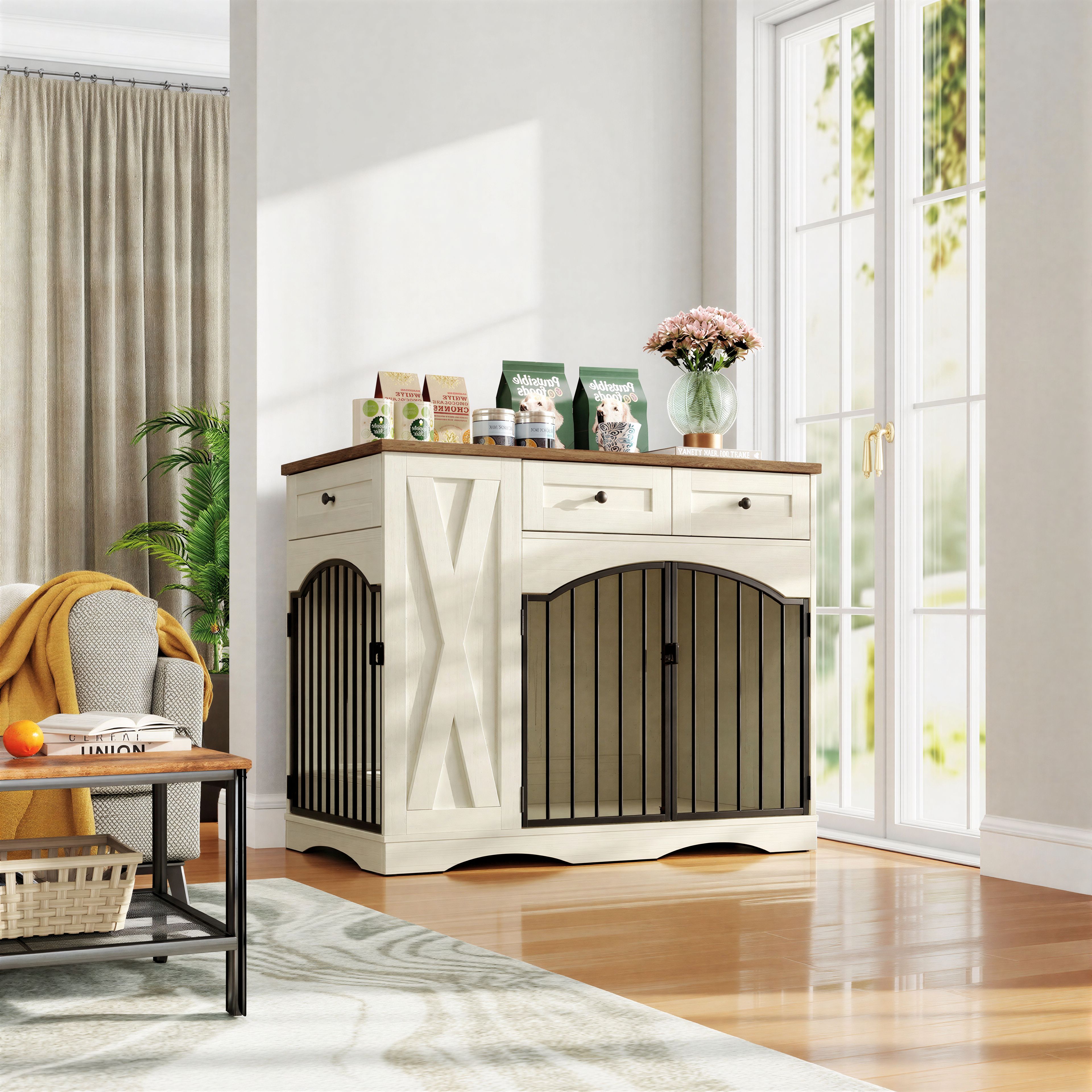 | 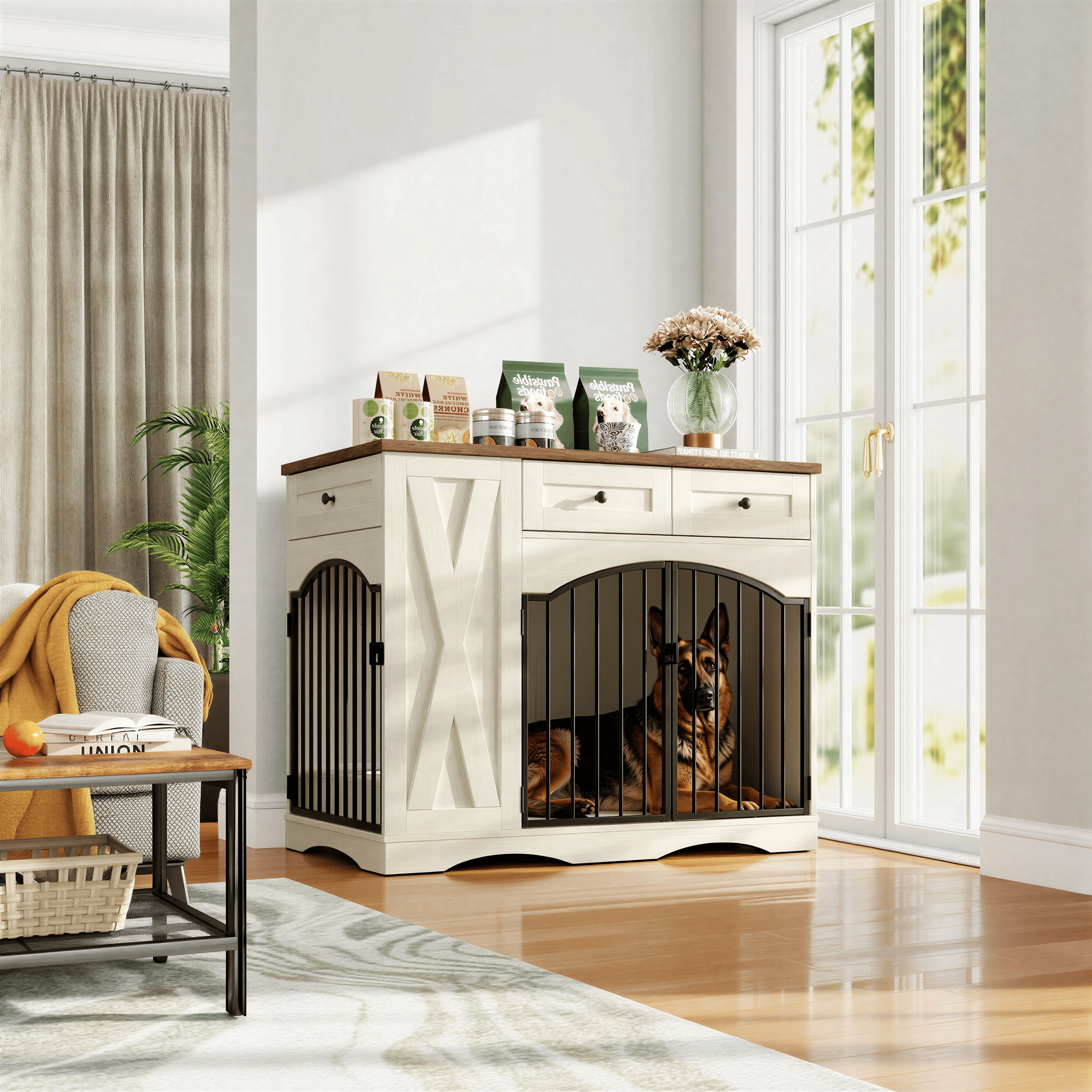 |
| Add a European boy, around 4 years old, lying on his stomach facing left and playing with toys on the rug | 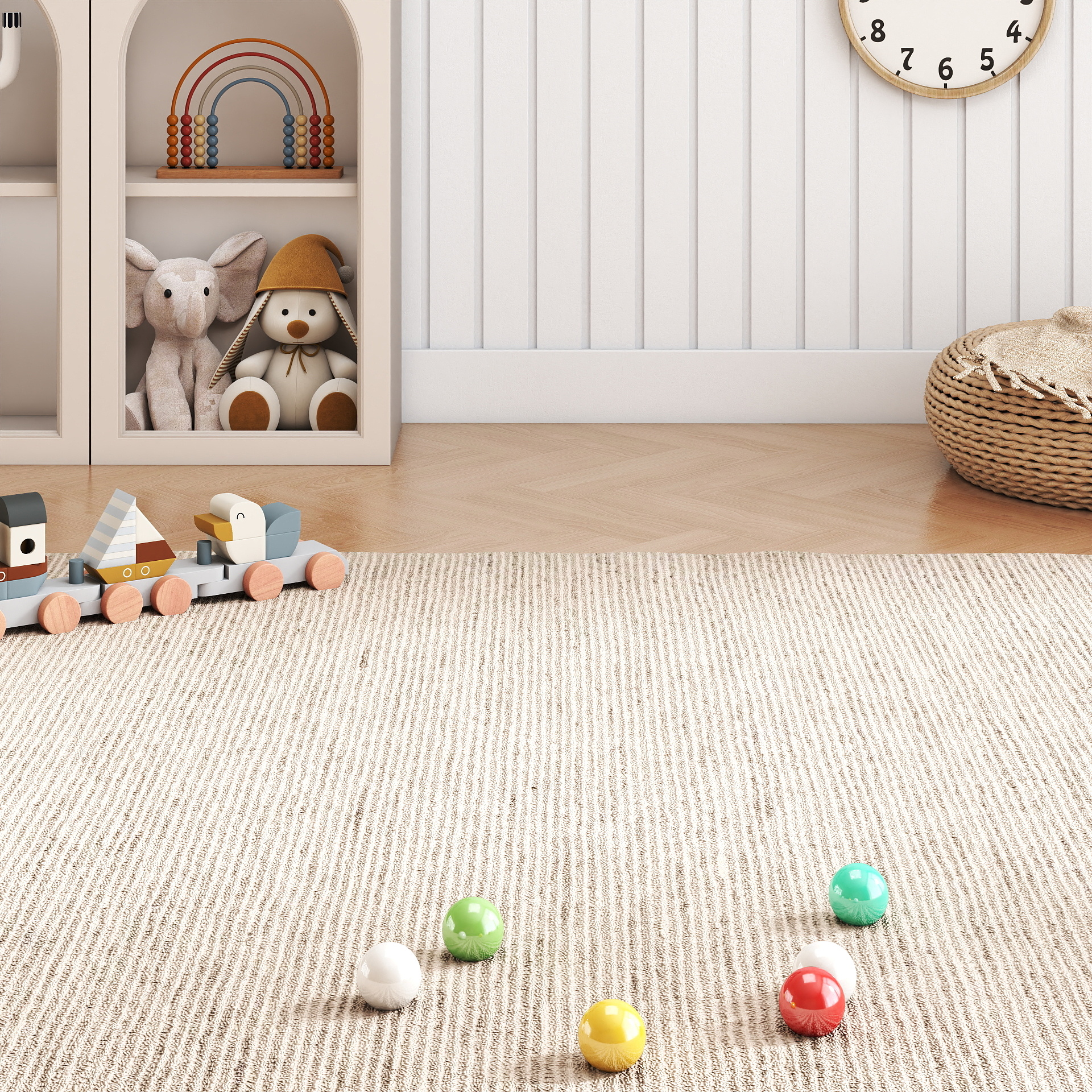 | 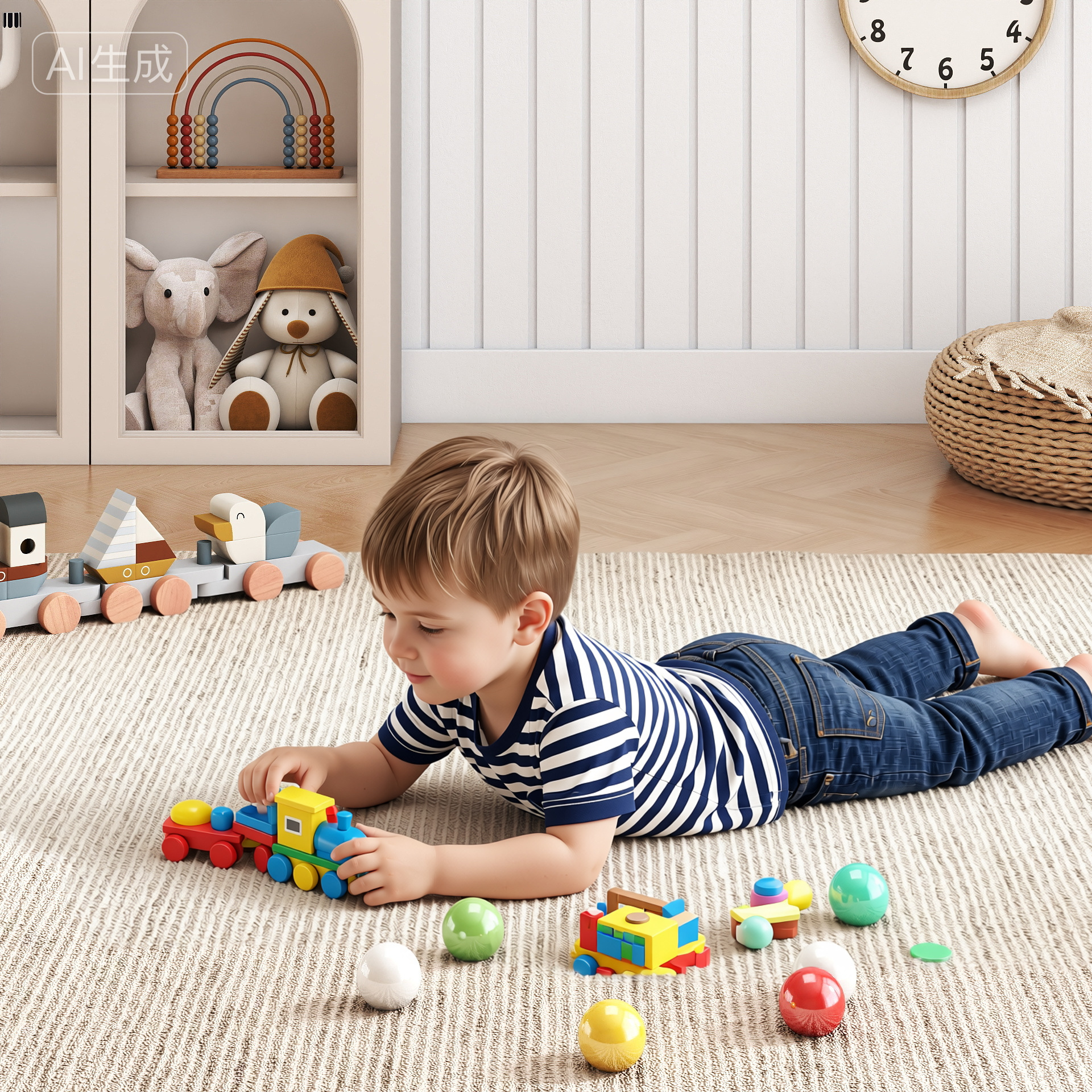 |
| Change the color and style of these headphones to white, keeping the original texture | 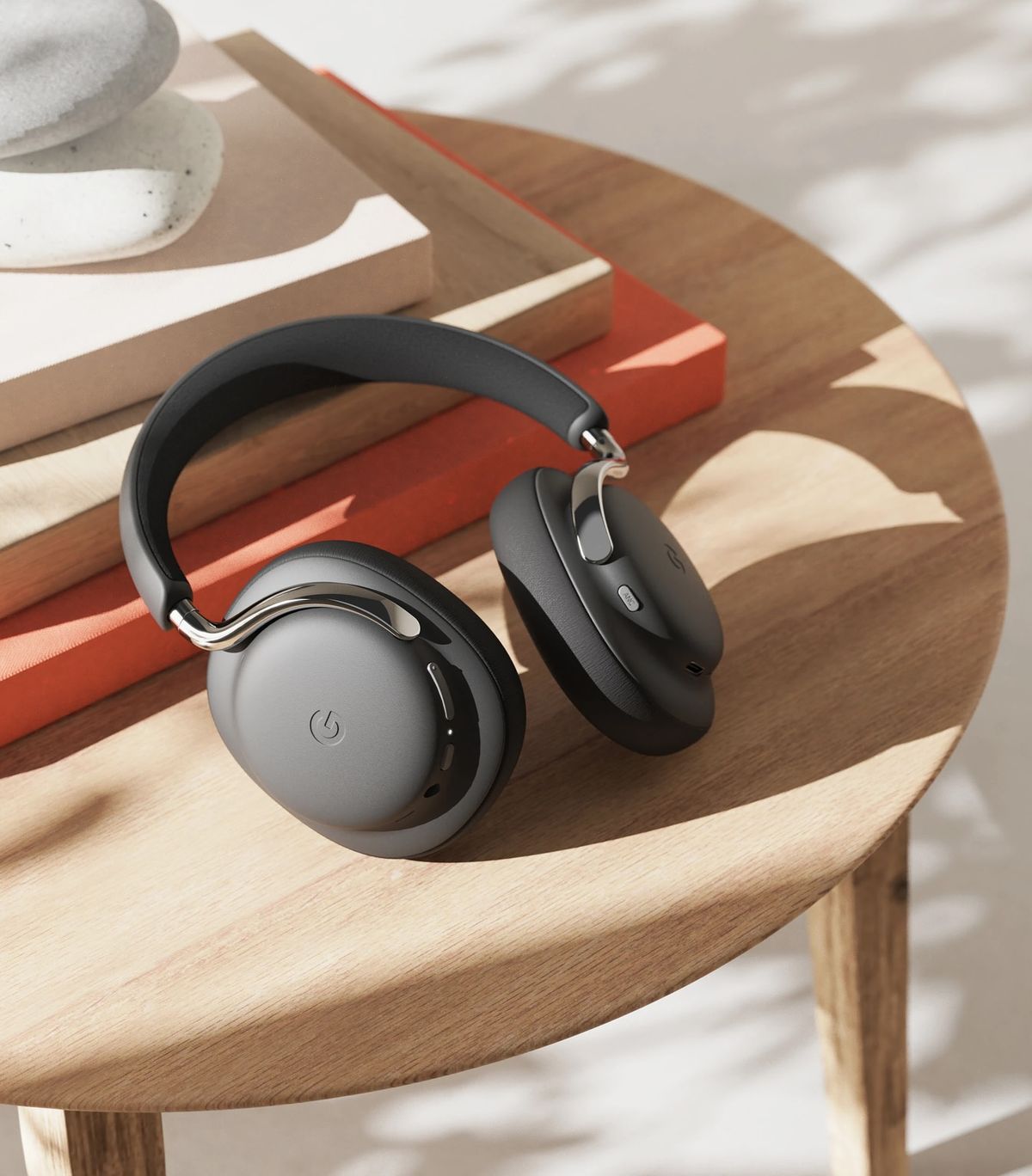 | 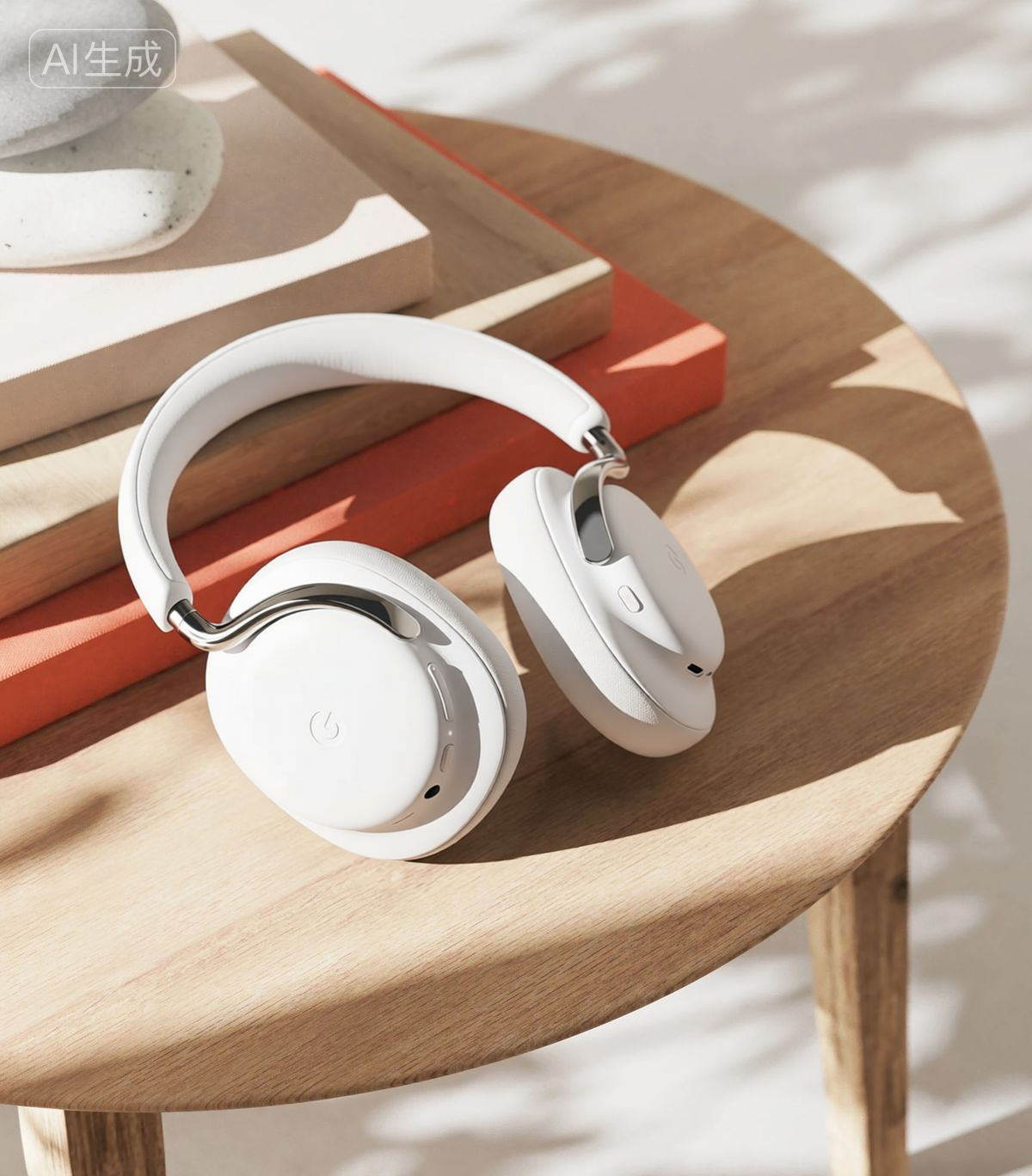 |
| Change the text on the box from "COOHOM" to "PHOTO STUDIO", keeping the original calligraphy style | 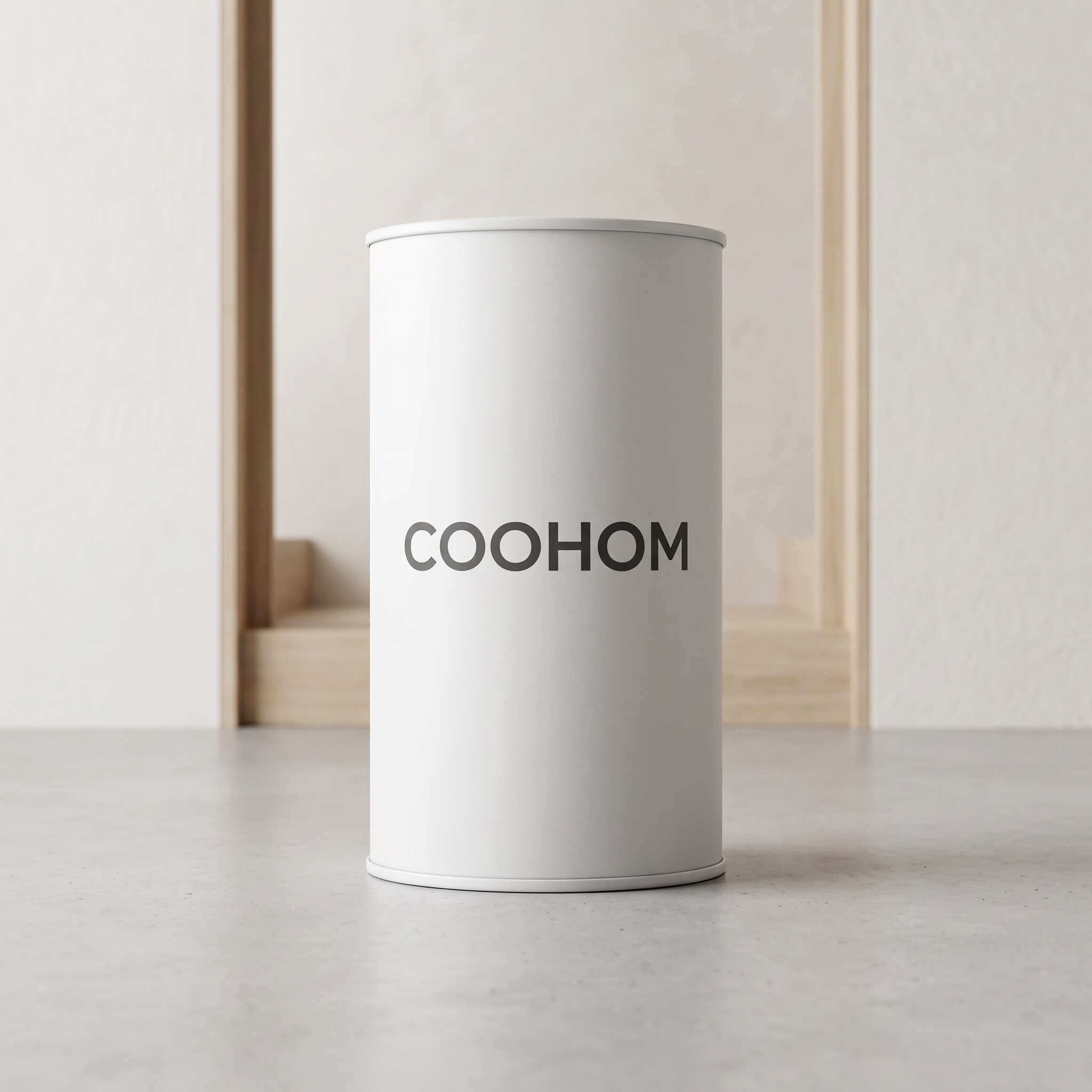 | 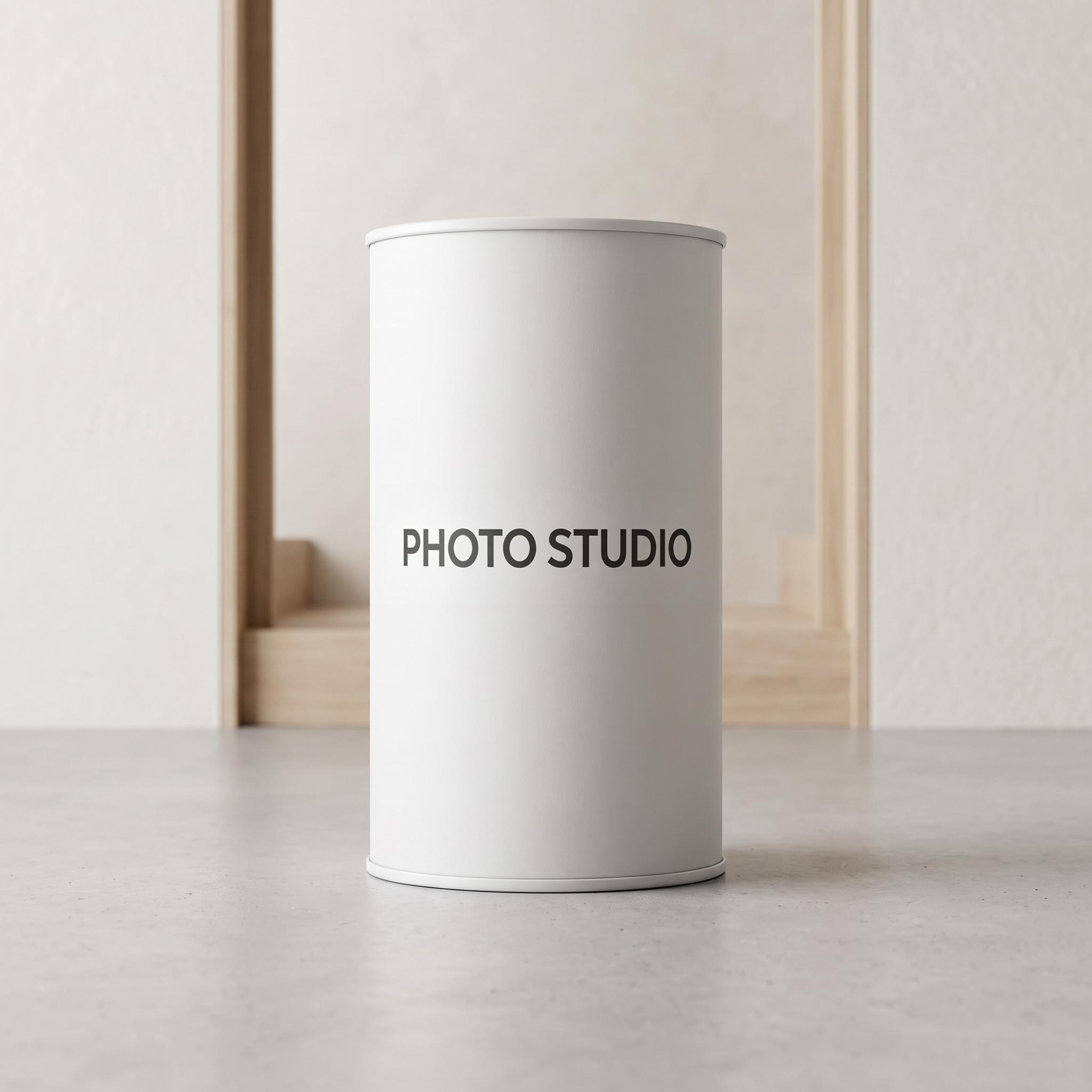 |
⚠️ Common Issues and Solutions
------------------------------
**Issue 1: Missing edges after regeneration due to insufficient selection area**
**Solution:**
1️⃣ Expand the painted selection area and run Partial Edit again.
2️⃣ Fix the missing area separately: Paint only the missing part, and use the prompt format "Fix the missing \[element\], \[simple description of the desired effect\]" for a second regeneration. For example: Fix the missing legs, a man in blue striped pants sitting on a hanging chair.
|-------------------------------------------------------------------------------------------------------------|----------------------------------------------------------------------------|--------------------------------------------------------------------------------------------------------------|------------------------------------------------------------------------------|-------------------------------------------------------------------------------------------------------|
| Input Image | Original Prompt | Output Result | Secondary Fix Prompt | Output Result |
| 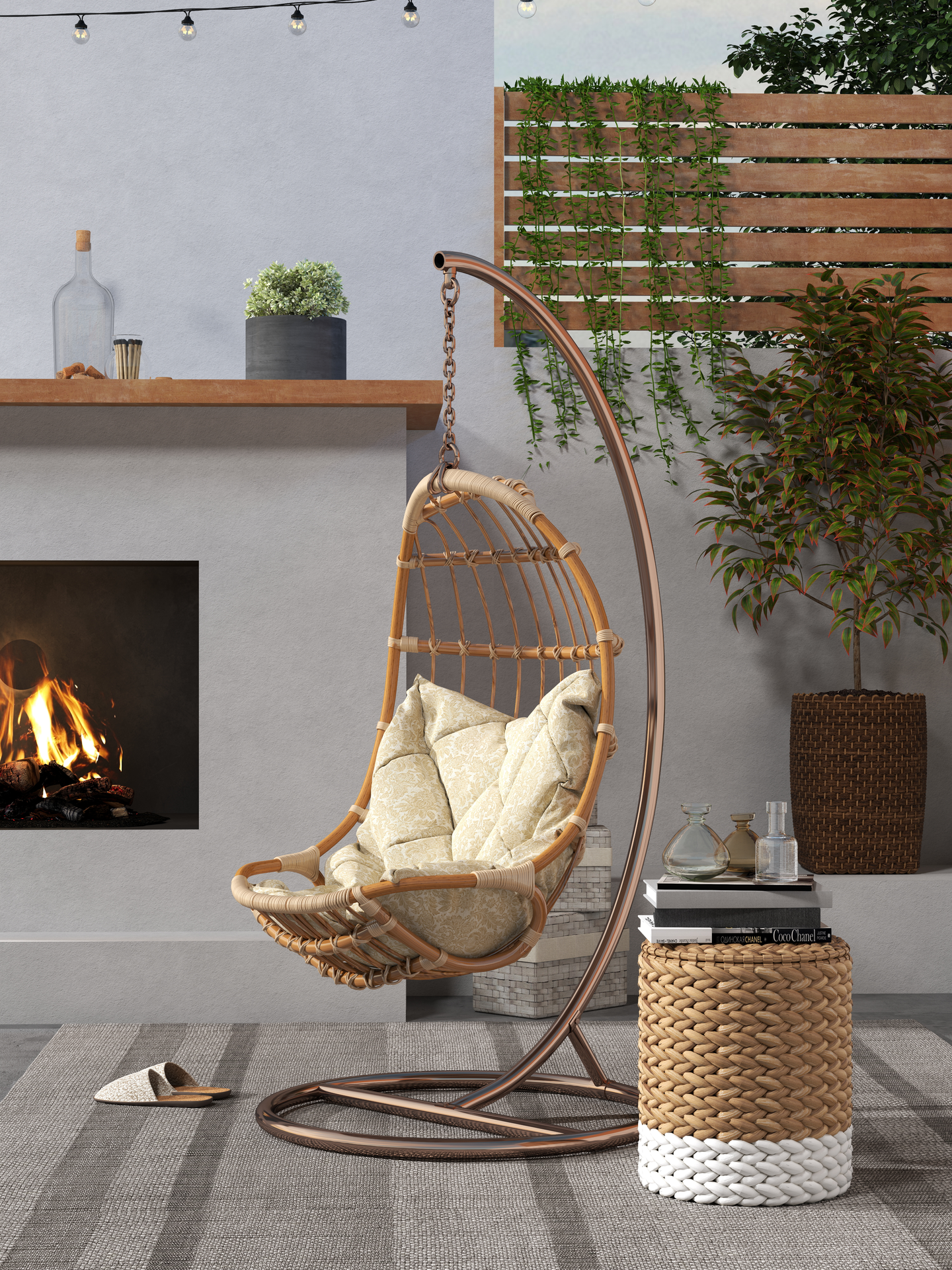
| Add an Asian man in pajamas reading a book with his head down on the chair | 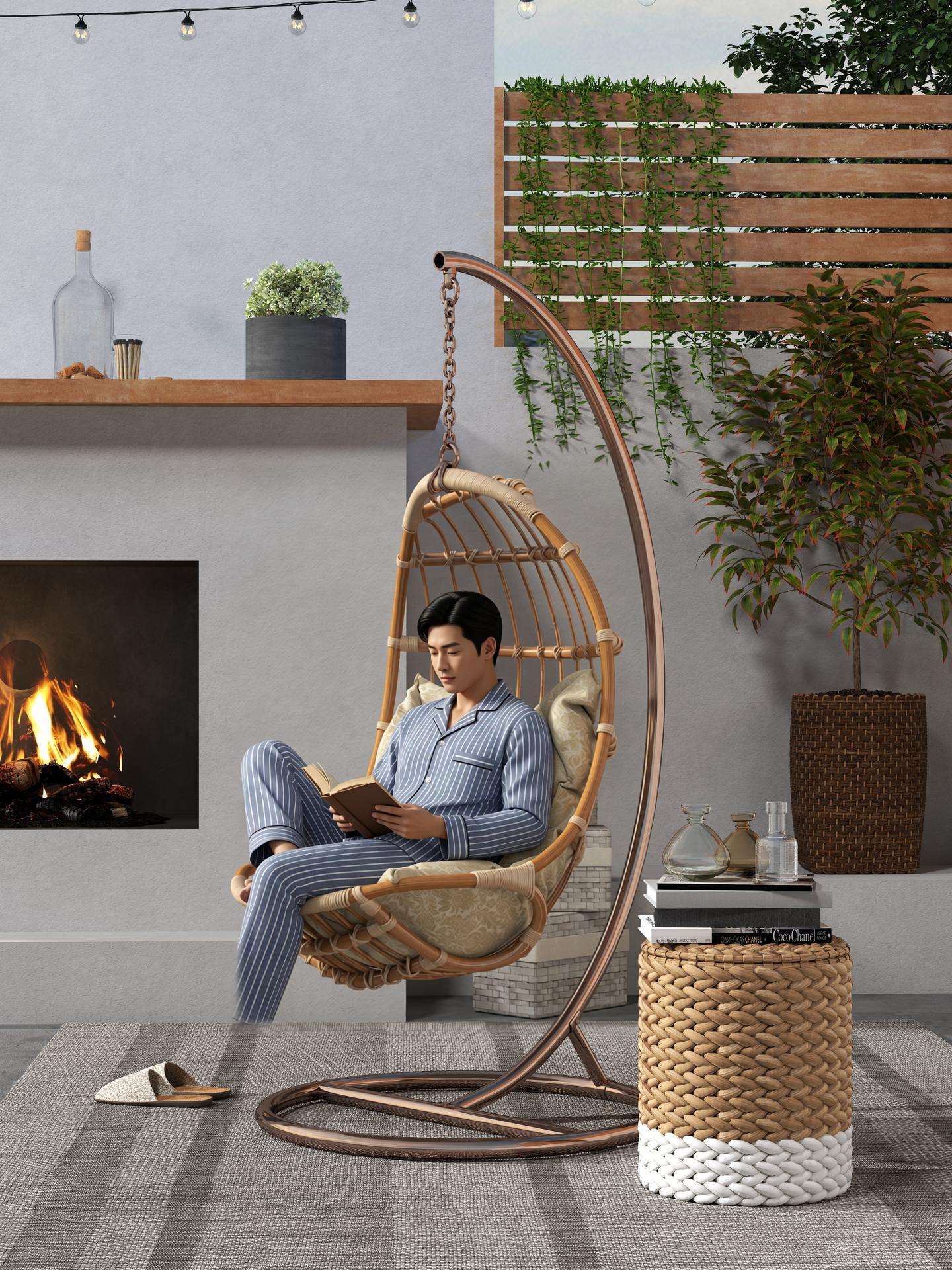
| Fix the missing legs, a man in blue striped pants sitting on a hanging chair | 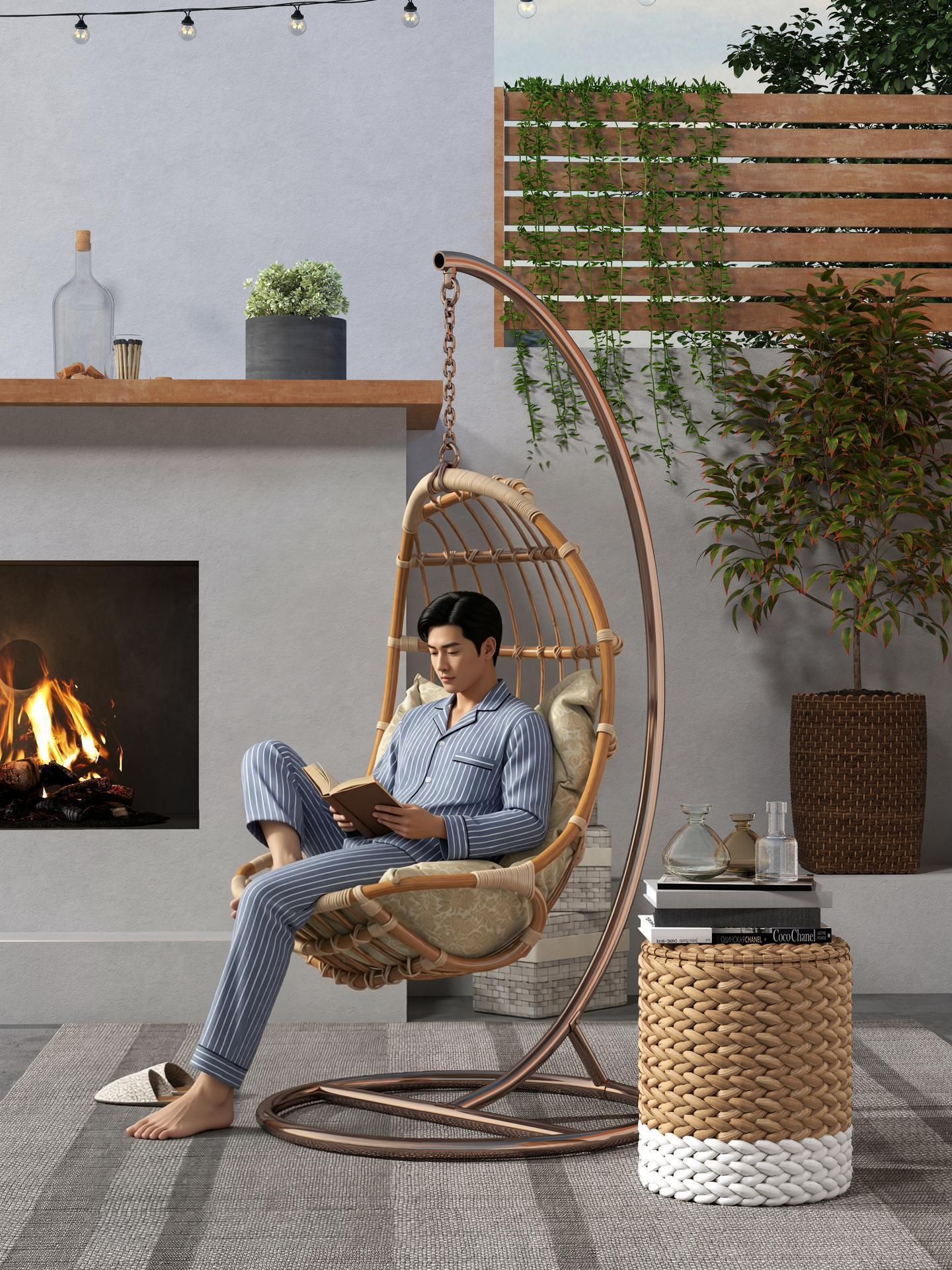 |
**Issue 2: Unsatisfactory text modification results**
**Solution:** Enclose the target text to be modified in double quotation marks. You can also add descriptions for font, size, and color preservation. For example: Change the text on the box from "COOHOM" to "PHOTO STUDIO", keeping the original calligraphy style unchanged.
**Issue 3: Shadow not removed when deleting an object with a shadow**
**Solution:** When deleting an object that casts a shadow, you must paint over both the object itself and its shadow to select them together. This prevents leftover shadows from making the image look unnatural.
2. Partial Remove
-----------------
* Access: AI Tools - Studio Canvas - Upload an image - Click **Partial remove** on the right panel