# closet-design-use-parameters-panel-to-adjust-the-model-parameters
> Boost design efficiency by easily adjusting grouped parameters with Coohom's advanced parameters panel. Learn parameter filtering and managing quicker. Start designing now.
- **URL**: https://www.coohom.com/helpcenter/closet-design-use-parameters-panel-to-adjust-the-model-parameters
- **Locale**: en_US
- **Updated**: 2026-06-11
## Content
In the parameter panel, all parameters are displayed in the form of groups, and the basic parameters and advanced parameters are separated, which makes it more convenient to view and modify the corresponding parameters in the process of design and review, and improves the efficiency of modifying model parameters. It also has a search function, which can filter out the parameter column with one click, and adjust the parameters more quickly and efficiently.
⭐Before reading the article, it is recommended to watch the video tutorial first for easy getting started\~
\[Video URL\](https://www.youtube.com/watch?v=Wrge7953GD8)
For Users
=========
All users
Parameters Panel
================
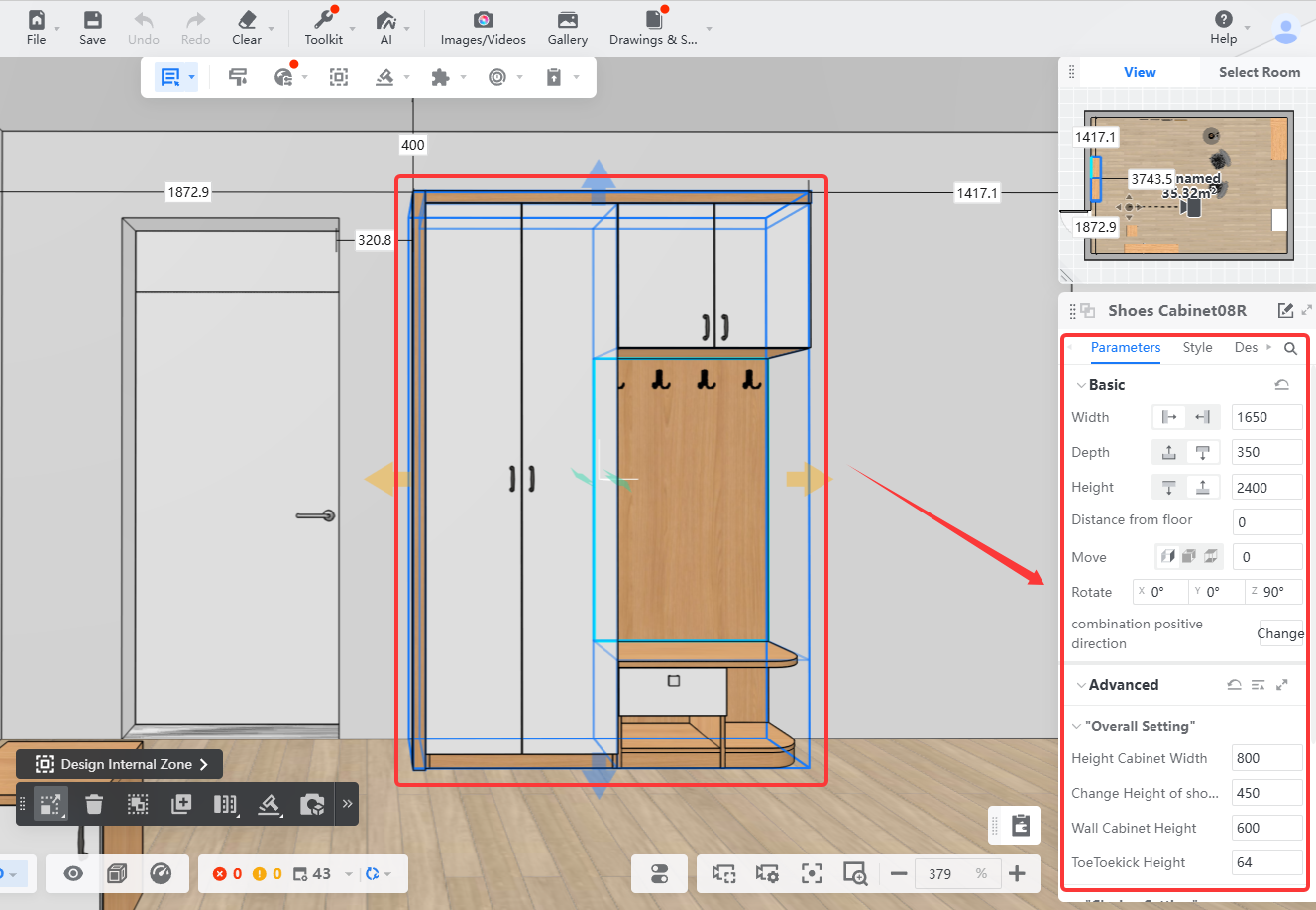
1、Select the model, and the parameter panel on the right will be activated.
**Note: If the size limit is turned off, the text of some optional parameters will be changed to digital display. Just turn on the size limit again!**
|-----------------------------------------------------------------------------------------------|-----------------------------------------------------------------------------------------------|-----------------------------------------------------------------------------------------------|
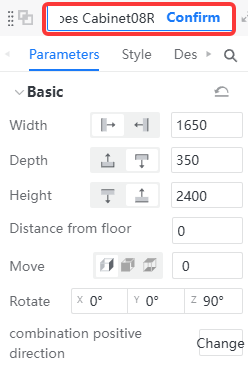
| **Modifiable Model Name**
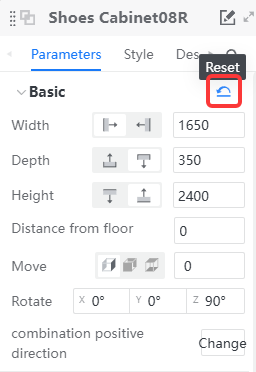
| **Reset** | **Expand** |
|  |  | 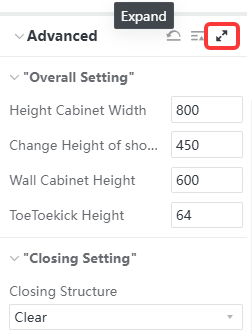 |
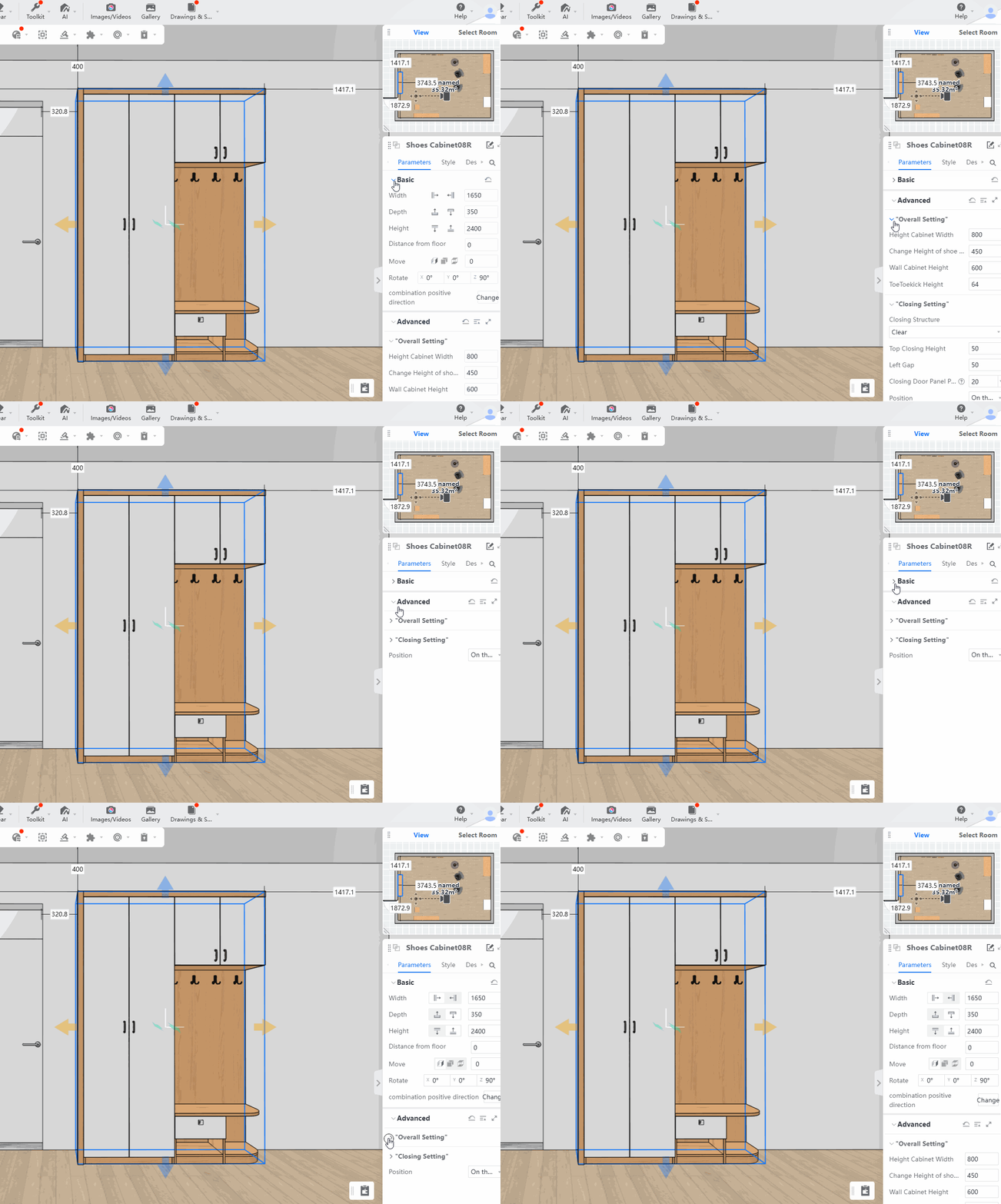
2、The parameter panel is displayed in groups and can be **expanded and collapsed with one click**.
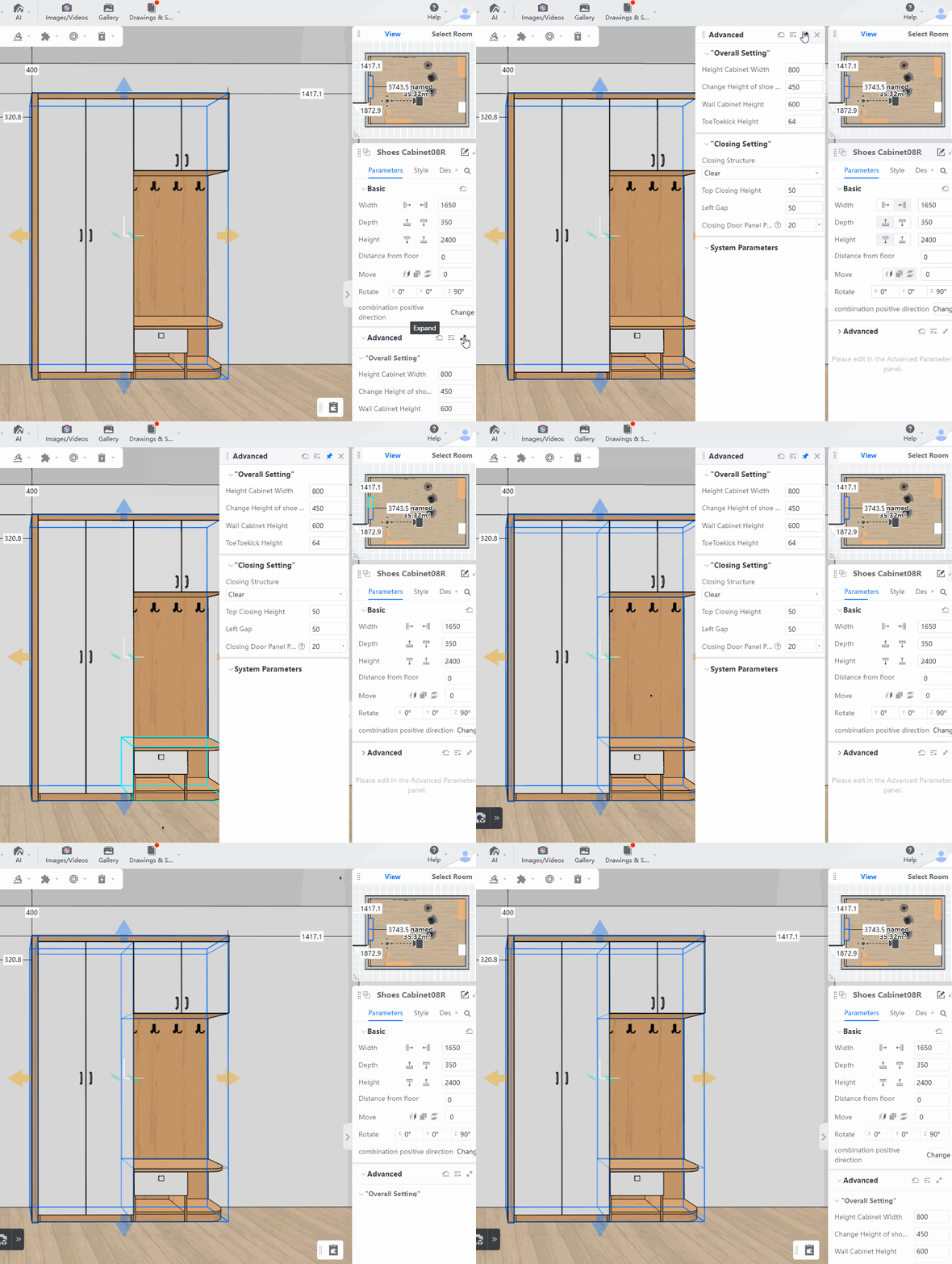
3、**Expansion panel** in the form of a double panel, and all parameters are clear at a glance.
4、In the **Advanced Parameters Panel** , click on the **Panel Permanent**, and select other models to keep the dual panel presentation.
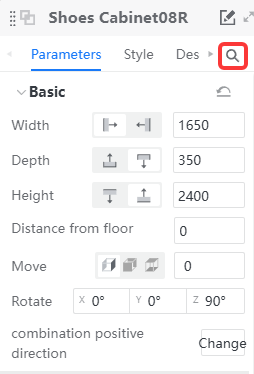
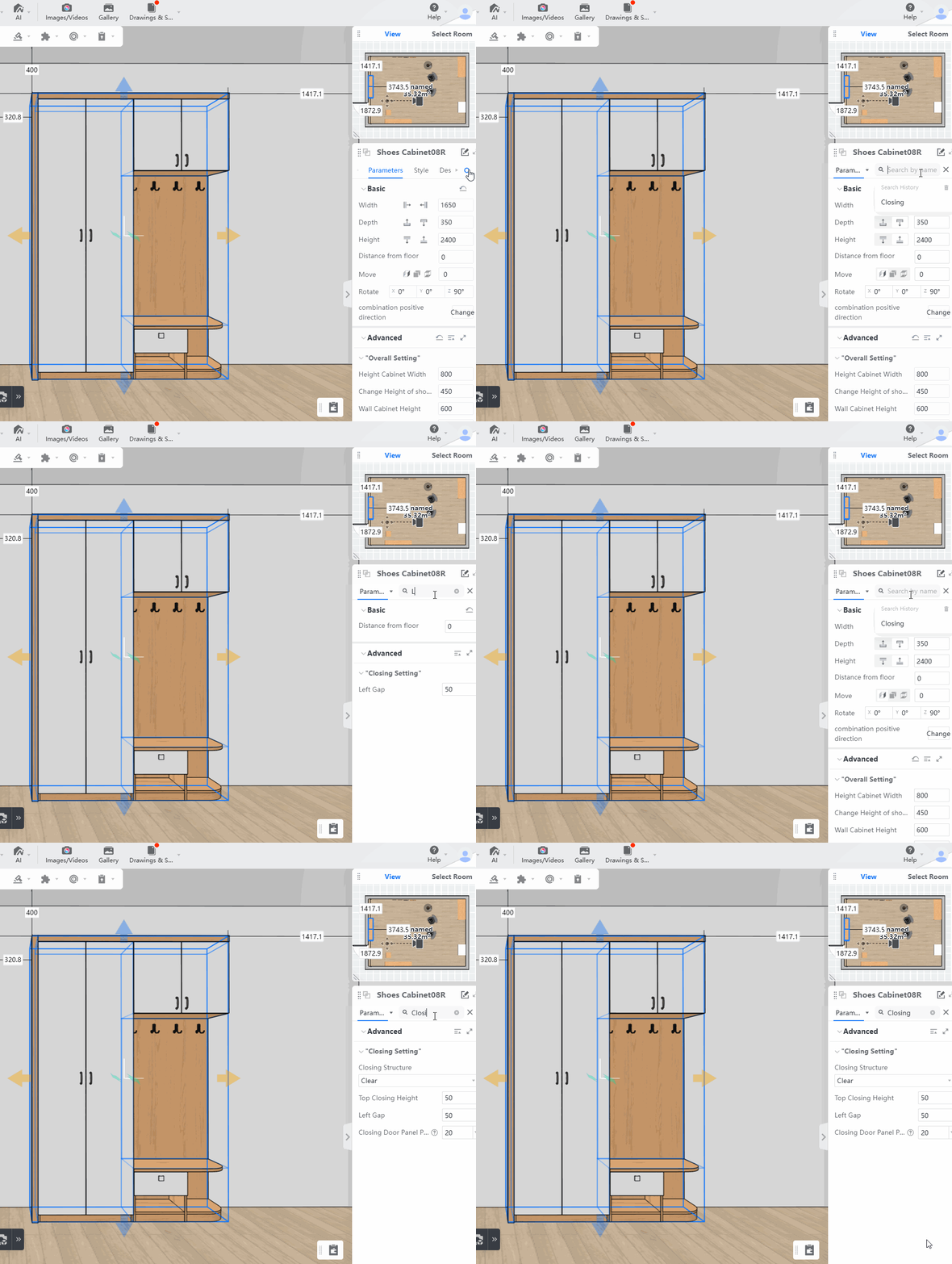
5、The parameter panel has a search function. You can search for **parameter name/parameter value** to filter out the corresponding parameter column, making parameter adjustment more efficient.
6、The font of the parameter column will be bolded if the parameters have been manually modified, which is convenient for users to review the model and the solution.
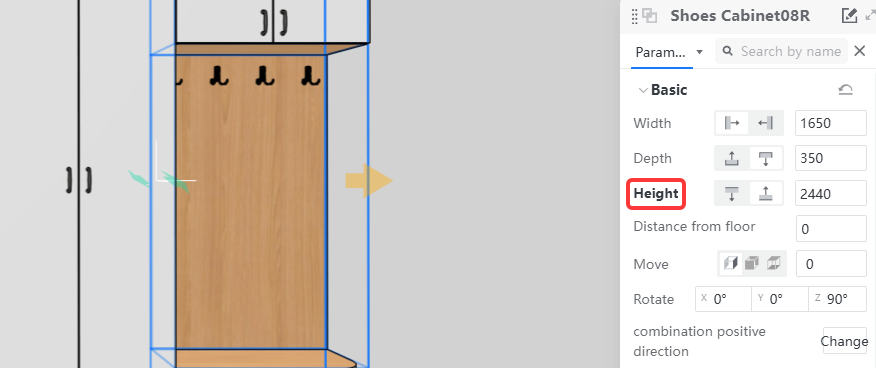
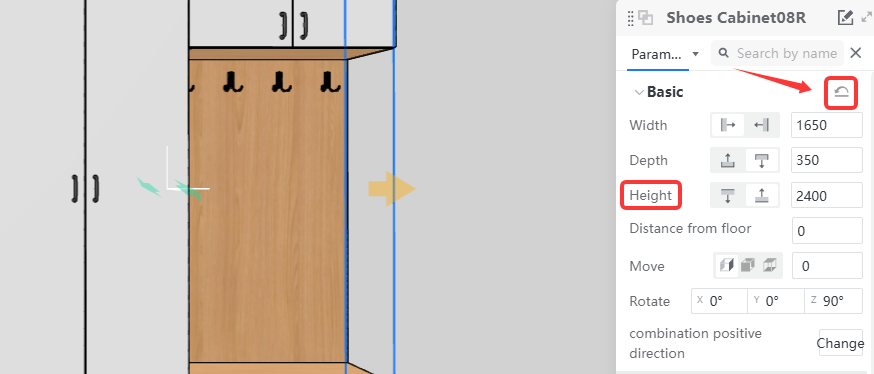
* Click the upper right corner to **reset the default** to clear the bold style.