# how-to-start-a-project-floor-plan-by-template
> Explore easy ways to use Coohom templates for a quick design start. Choose from floor plan or idea templates for creative freedom or easy rendering. Start designing now.
- **URL**: https://www.coohom.com/helpcenter/how-to-start-a-project-floor-plan-by-template
- **Locale**: en_US
- **Updated**: 2026-06-10
## Content
Some new users who take interest in Coohom may want to try Coohom tool in a fast way. Hence, they will prefer to adopt the ready-made template. This article will illustrate several easy ways of using template function to have a quick start from Coohom.
Target User: All individual users
---------------------------------
*** ** * ** ***
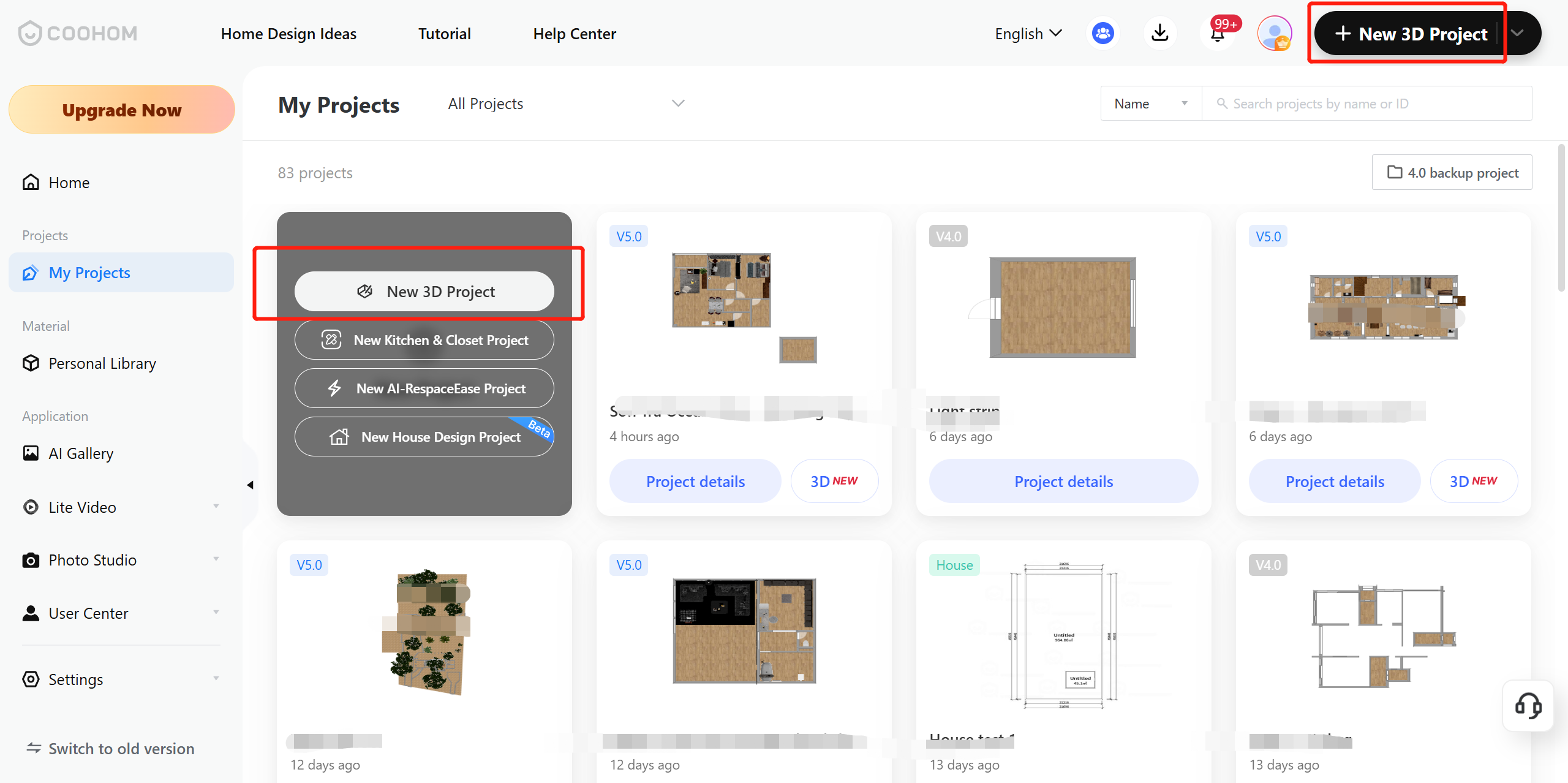
Step 1: Add **New 3D Project** to start
Step 2: Select from **Floor plan templates** or **Idea templates** to continue
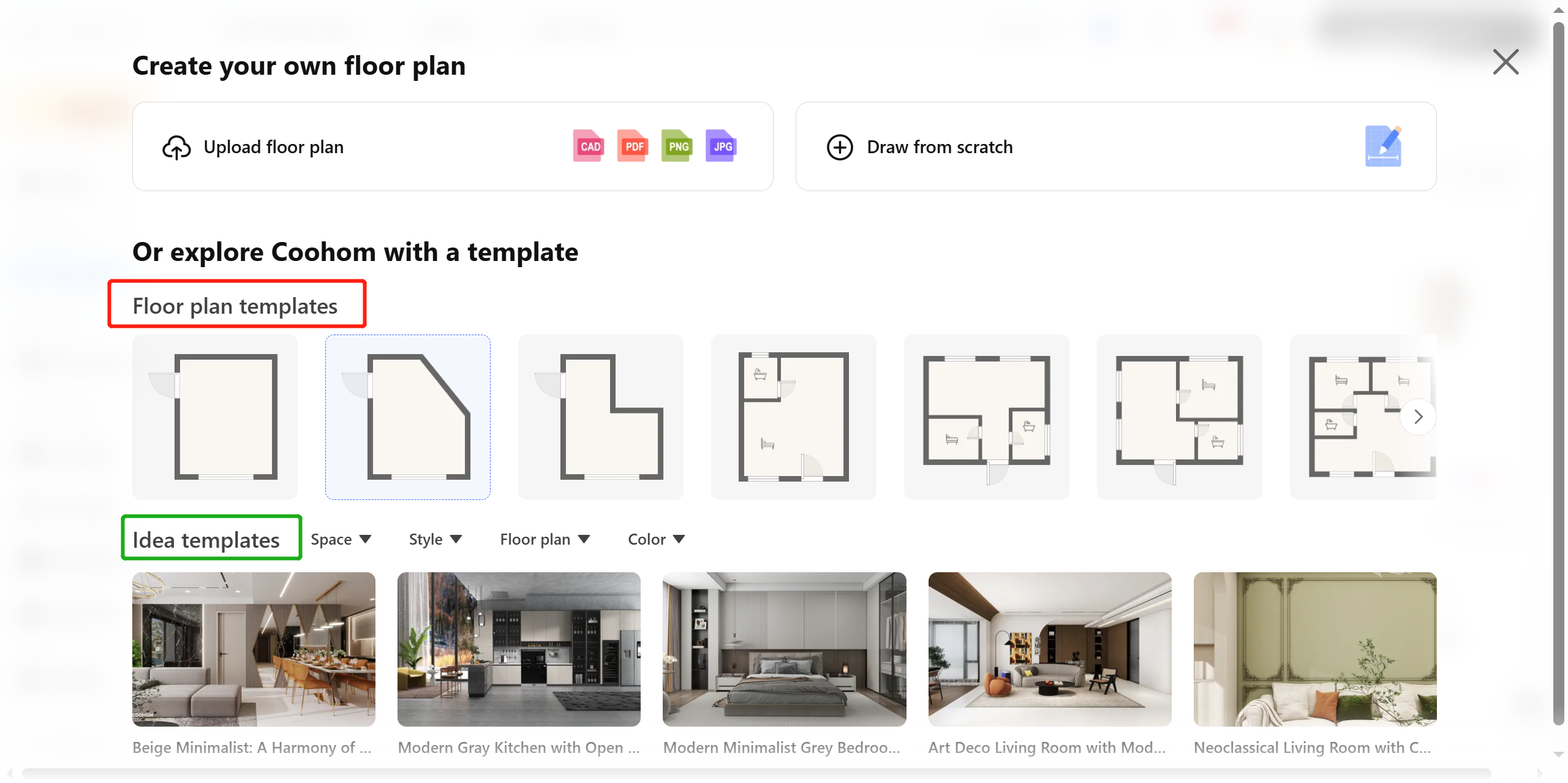
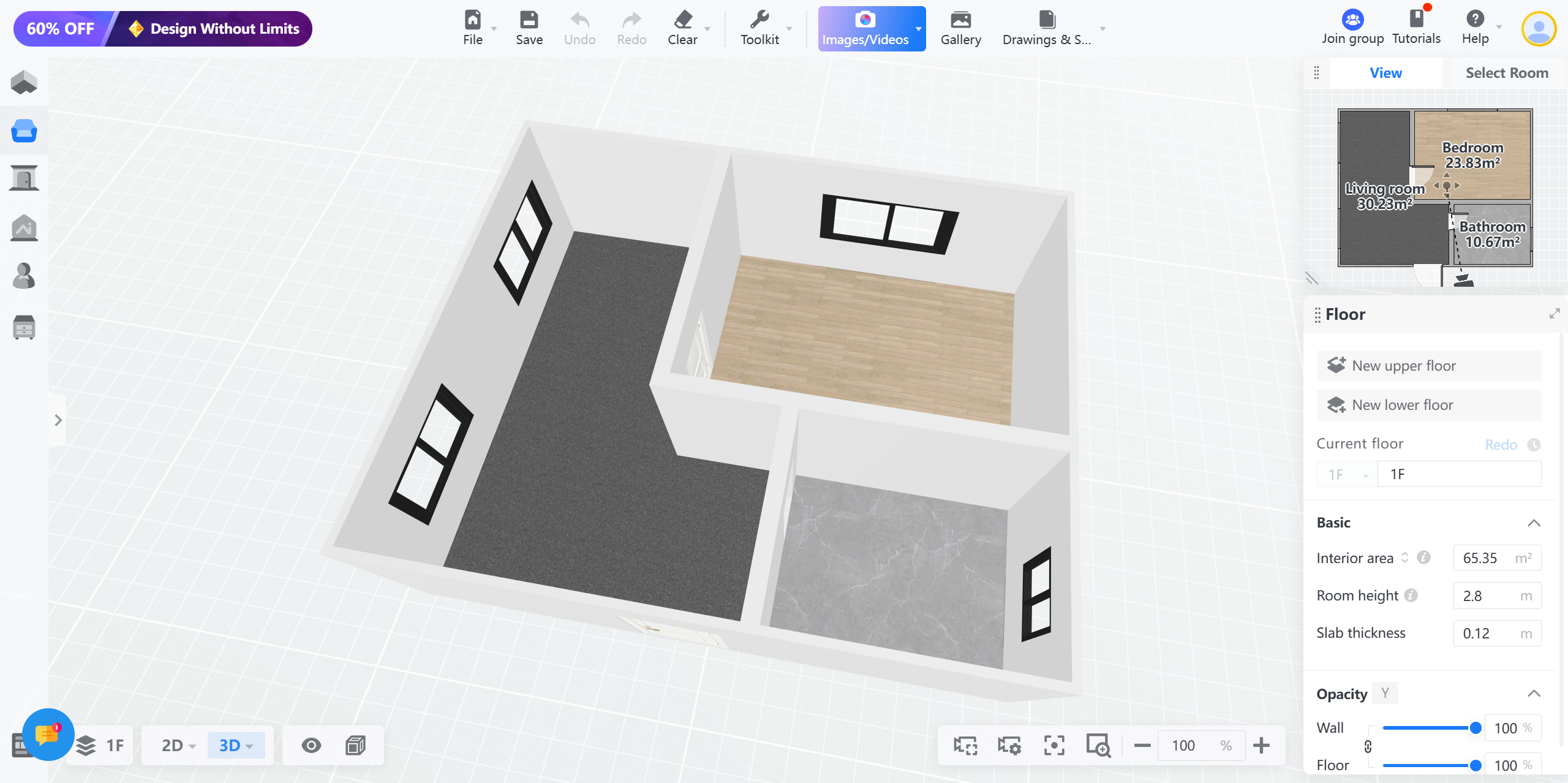
By **Floor plan template**, it will take users more effort to work out the whole layout and then do the interior but it allows more space for creative design ideas.
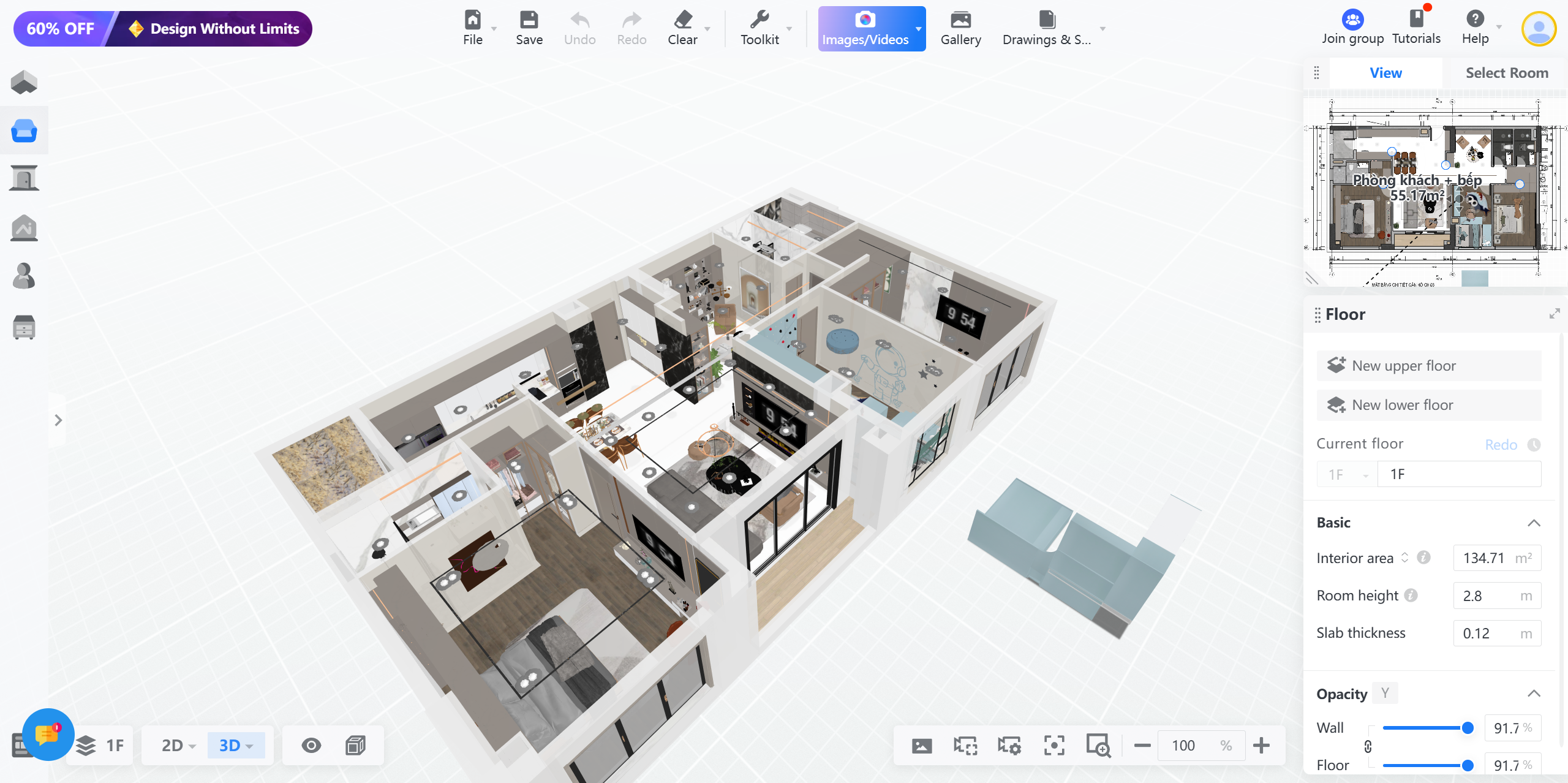
By **Idea template**, the complete floor plan will show so that users can use to render directly to see effect or just do the minimum adjustment before rendering.
Hence, each user can take full advantage of the template function to meet their needs.
For any queries or feedback, please feel free to reach Coohom Customer Service team via: [support@coohom.com](mailto:support@coohom.com).