# how-to-make-the-paving-under-door-opening-show-correct-material-in-render
> Learn how to resolve floor texture display issues under door openings with Coohom's step-by-step solutions. Enhance your interior design accuracy. Start designing now.
- **URL**: https://www.coohom.com/helpcenter/how-to-make-the-paving-under-door-opening-show-correct-material-in-render
- **Locale**: en_US
- **Updated**: 2026-06-10
## Content
Recently, our user comes to service team to report that their floor texture under door opening is not showing correctly.
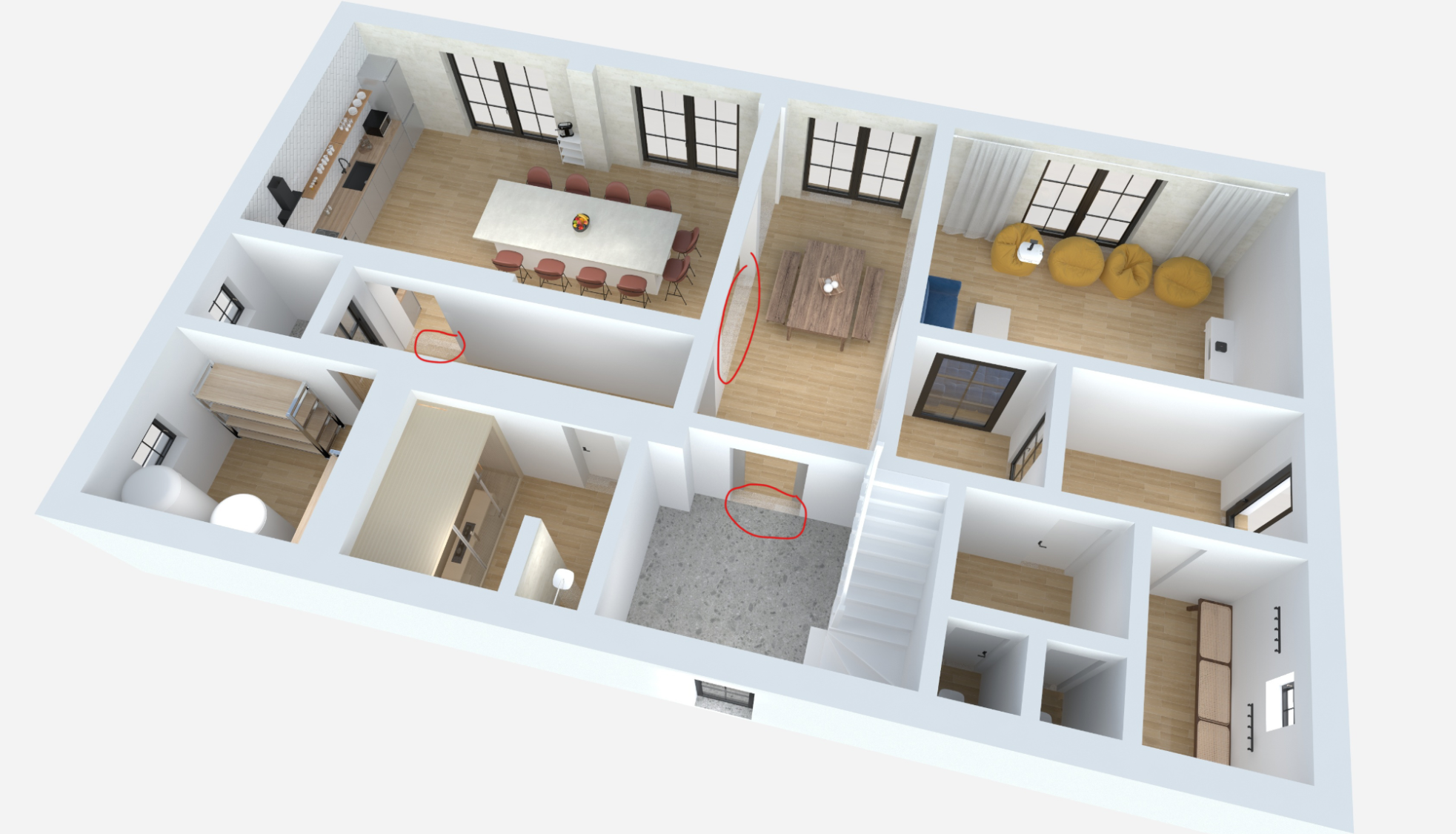
**Target users: All Users**
**Reason:** This is a historic logic by floor plan. Coohom product team is in the process of optimizing this feature.
**Resolution**: There are two alternative options to resolve this.
*** ** * ** ***
**Option one**:
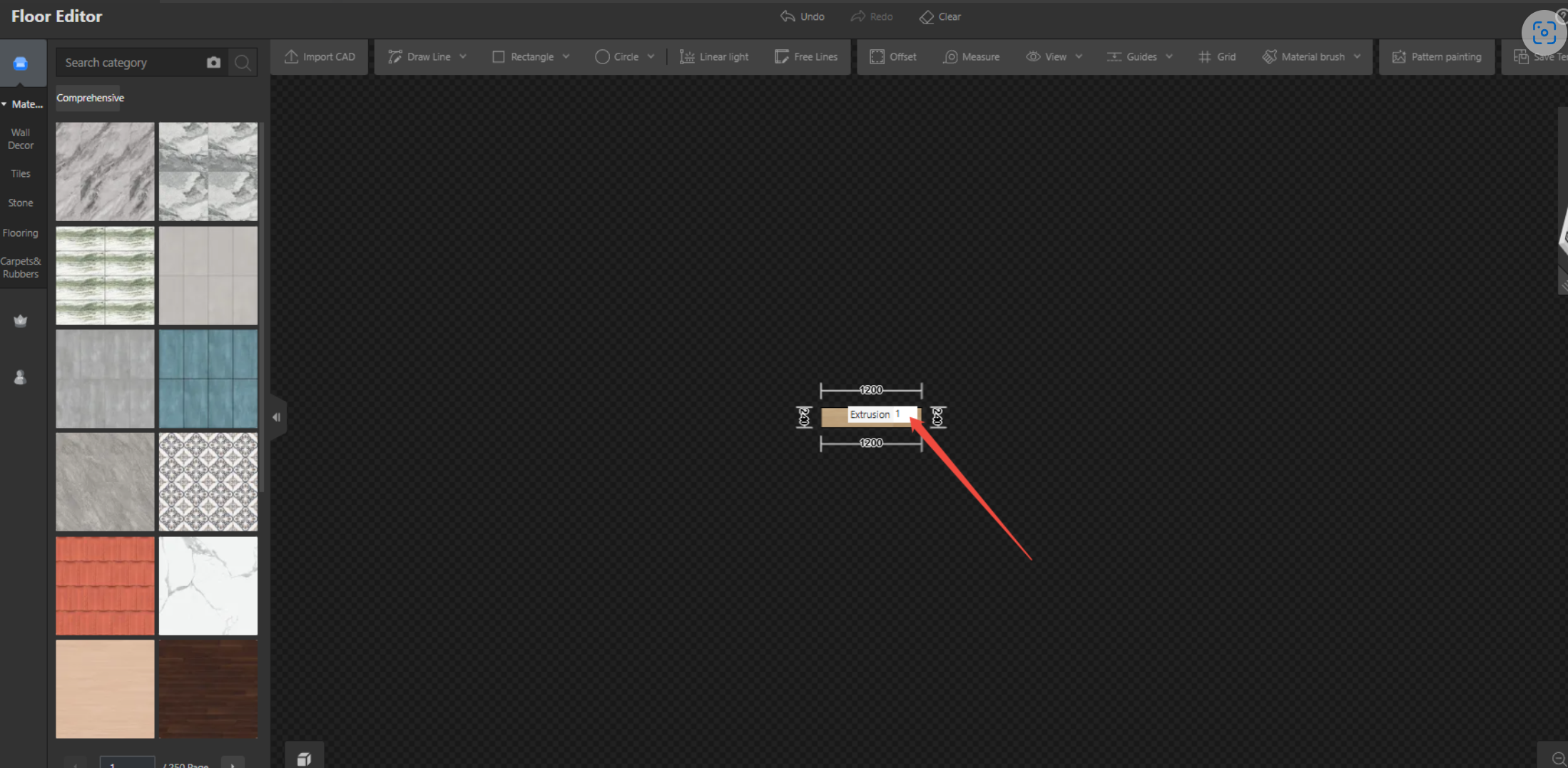
* Select the floor patch to go to floor editor
* Set the extrusion value as 1.
**Option two:**
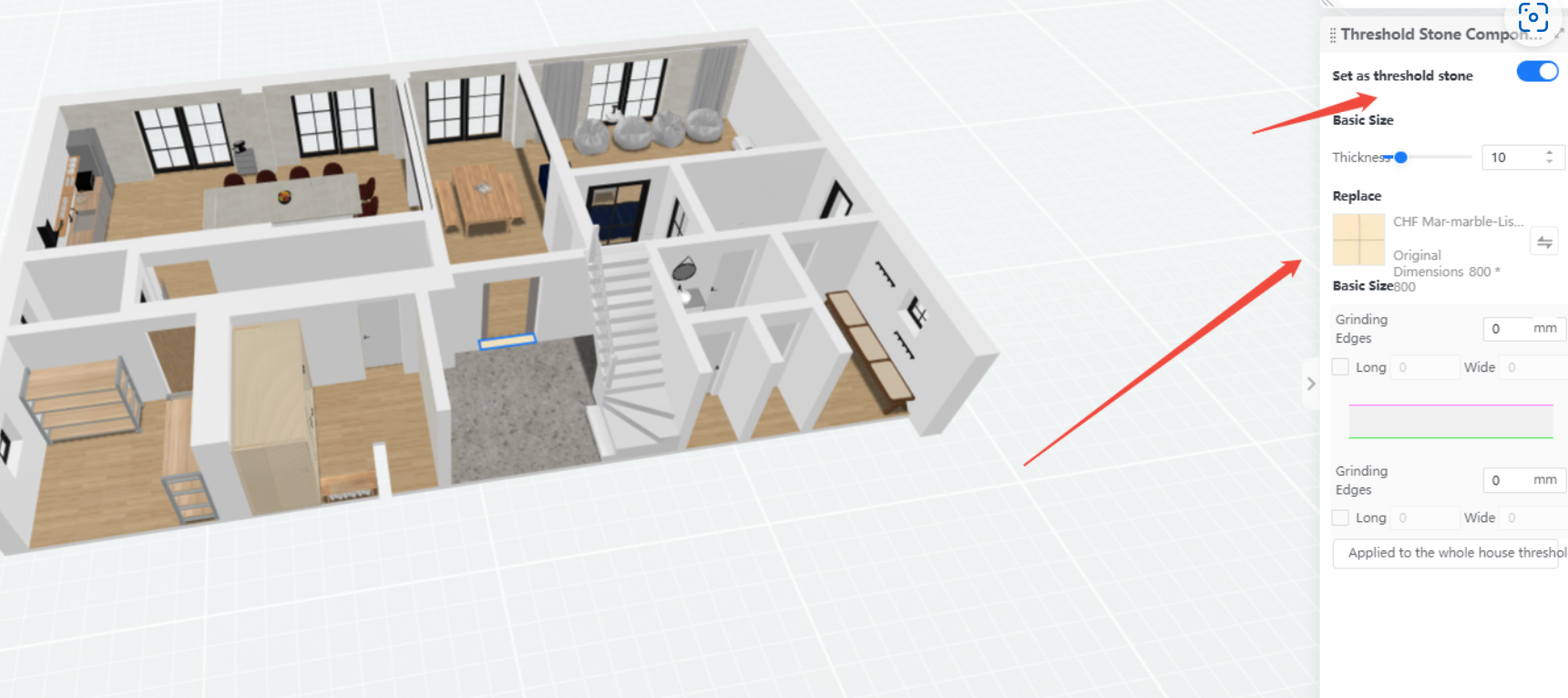
* Select the floor patch to set as threshold stone
* Then apply the material again
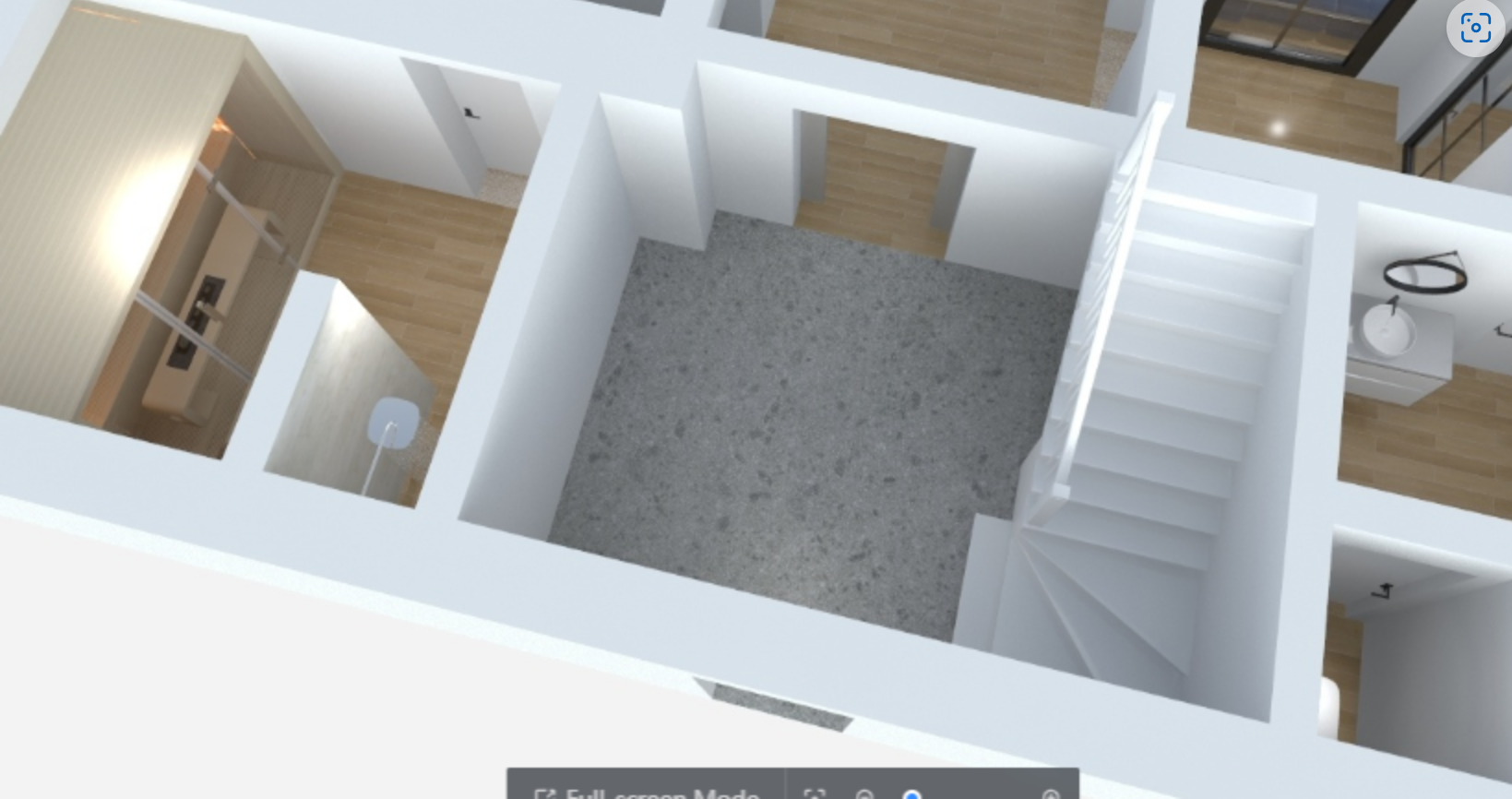
Here is the final result.
For any further concerns, please feel free to contact Coohom Customer Service team via: support@coohom.com.