# how-to-get-the-elevation
> Discover step-by-step how to use Coohom's elevation function in design projects. Enhance your design process with elevation views. Start designing now!
- **URL**: https://www.coohom.com/helpcenter/how-to-get-the-elevation
- **Locale**: en_US
- **Updated**: 2026-06-10
## Content
Some users may wonder whether Coohom is having the elevation funtion. The answer is Yes. We will introduce how to get the elevation step by step in this article.
**Target User: All Users**
*** ** * ** ***
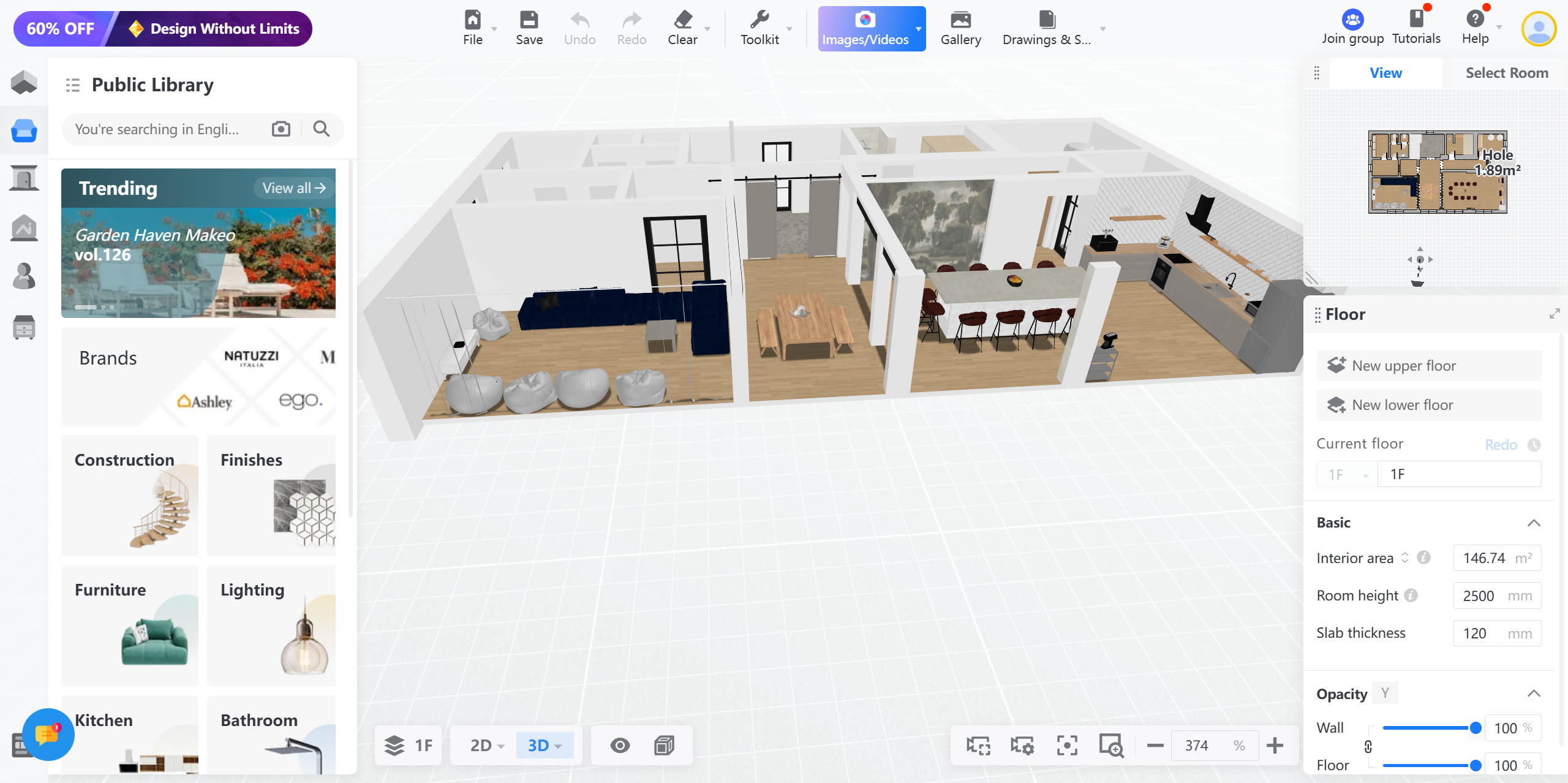
Step 1: Go to design tool to create a new project or access an existing project.
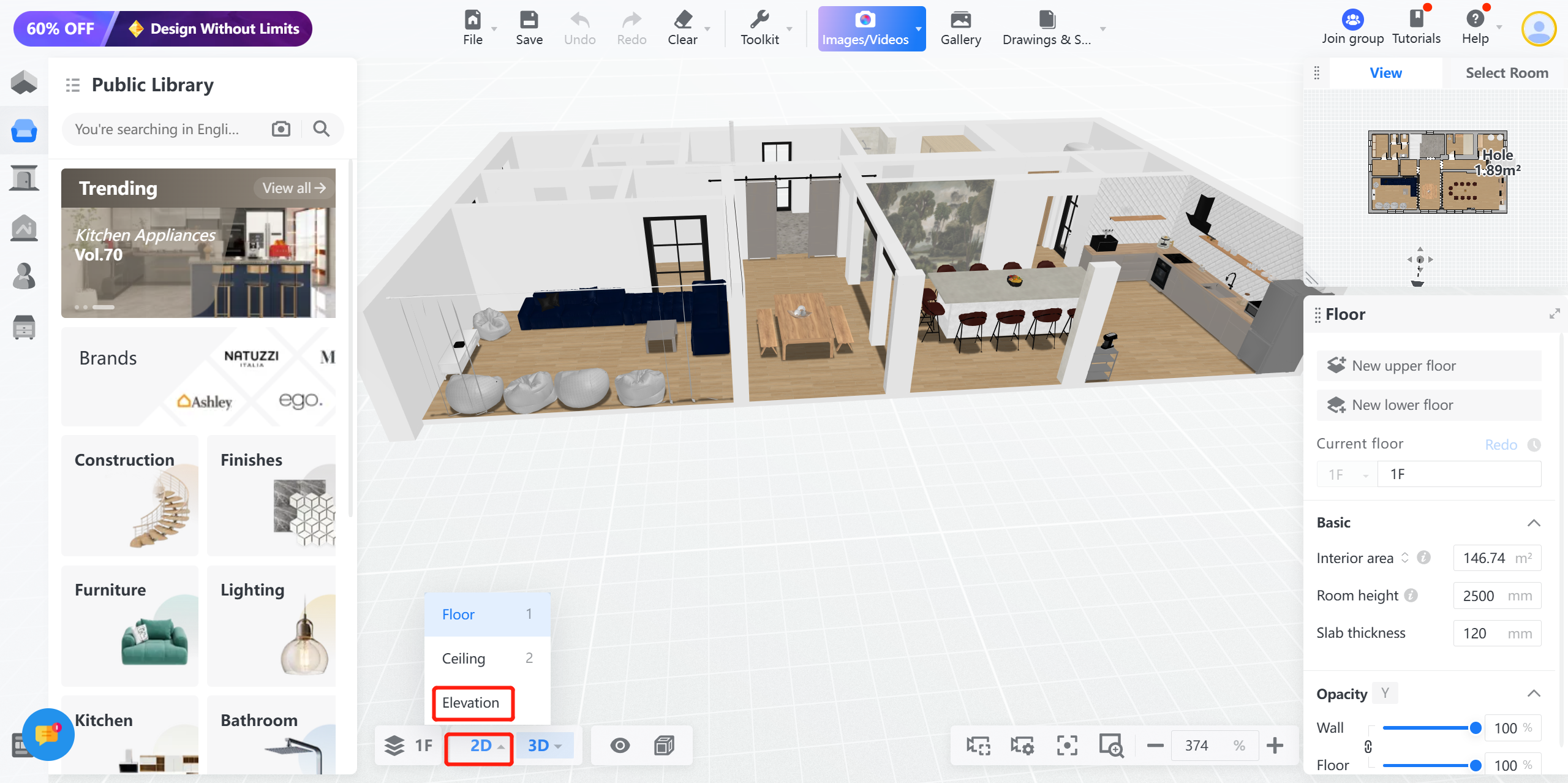
Step 2: Select 2D\>Elevation
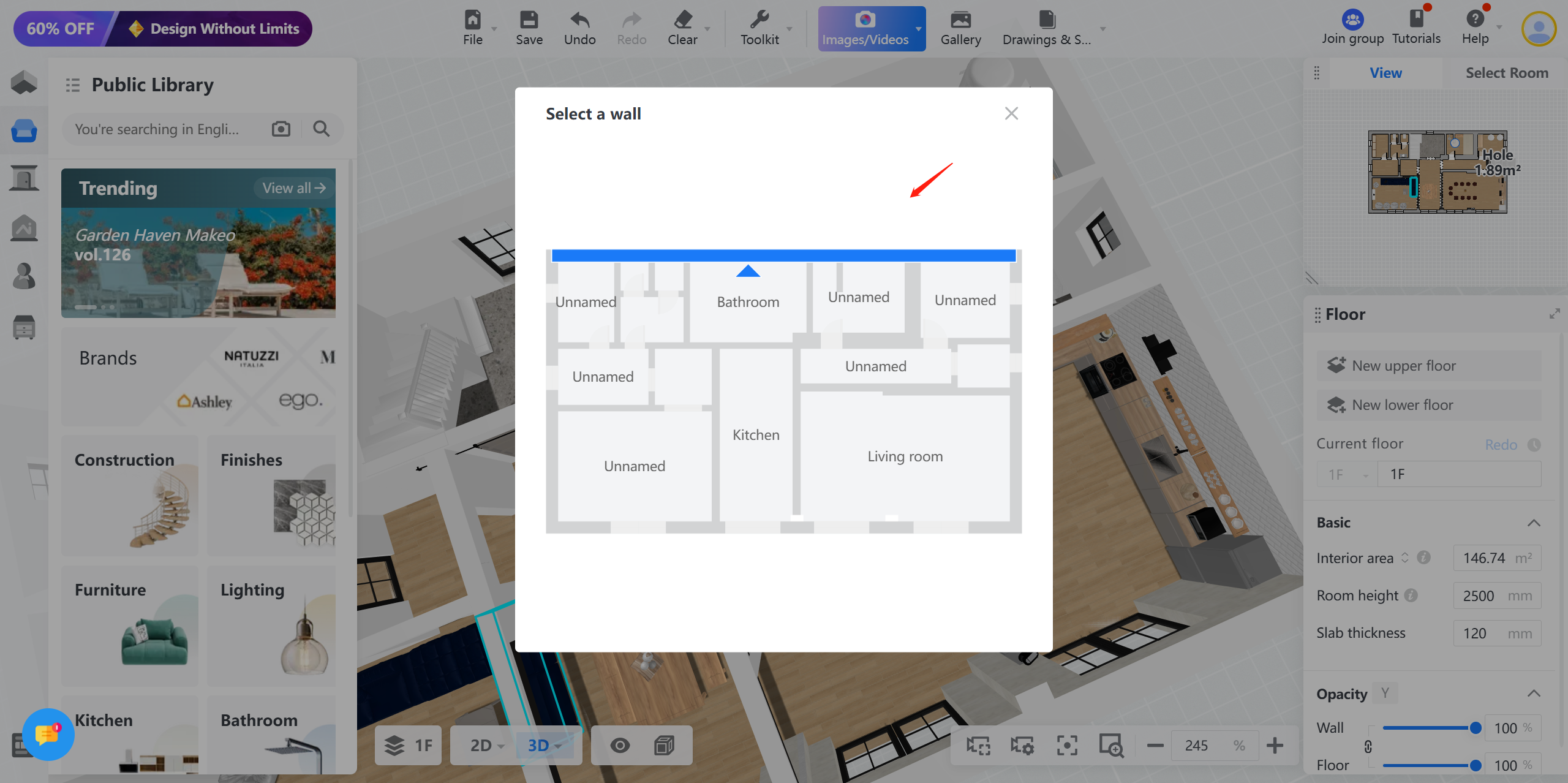
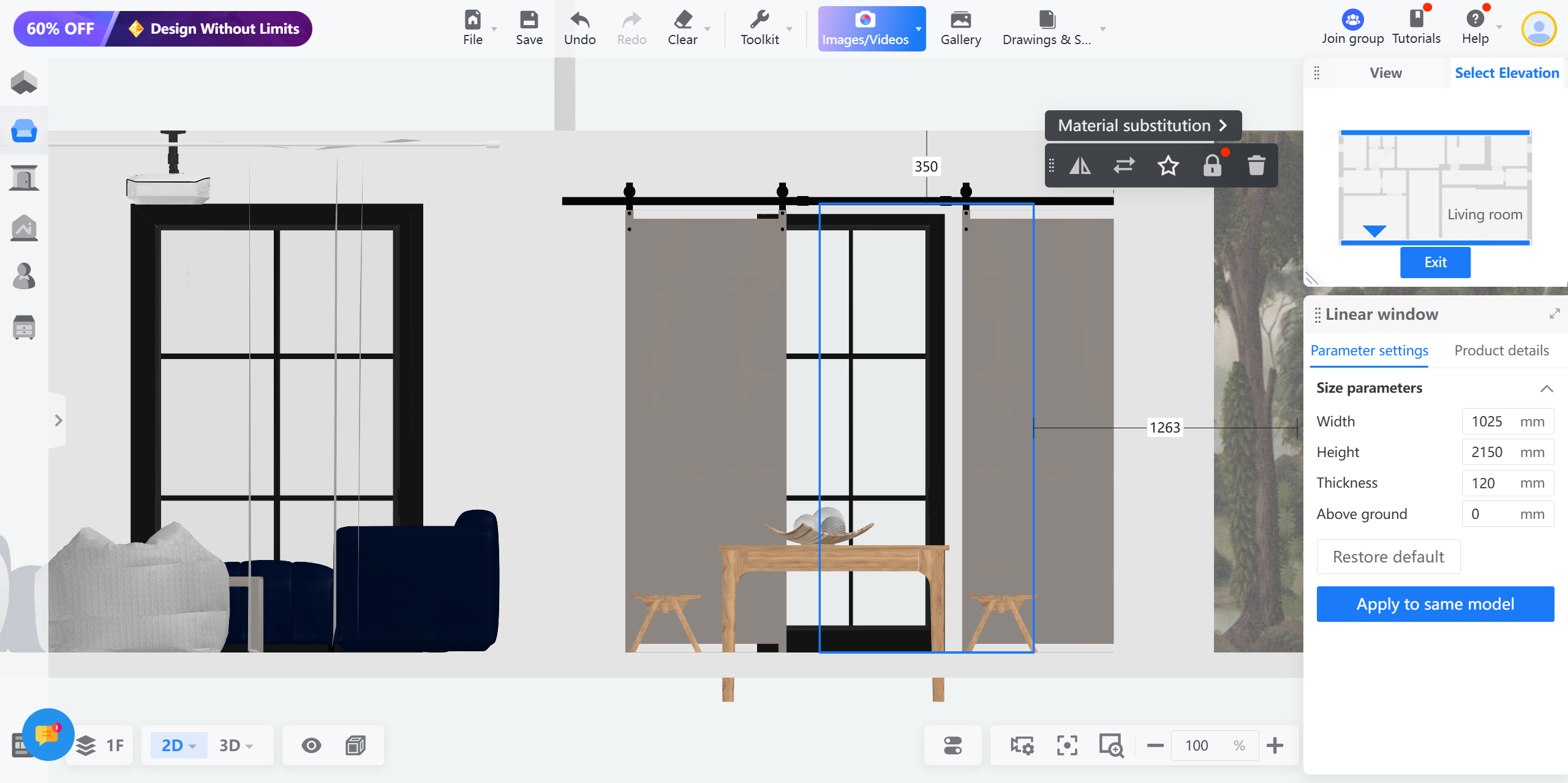
Step 3: Select a wall to show the elevation