# analysis-of-project-in-use-pop-window
> Learn why "Project In Use" errors appear in Coohom and how to fix them effectively. Ensure smooth project access across devices. Start troubleshooting now.
- **URL**: https://www.coohom.com/helpcenter/analysis-of-project-in-use-pop-window
- **Locale**: en_US
- **Updated**: 2026-06-10
## Content
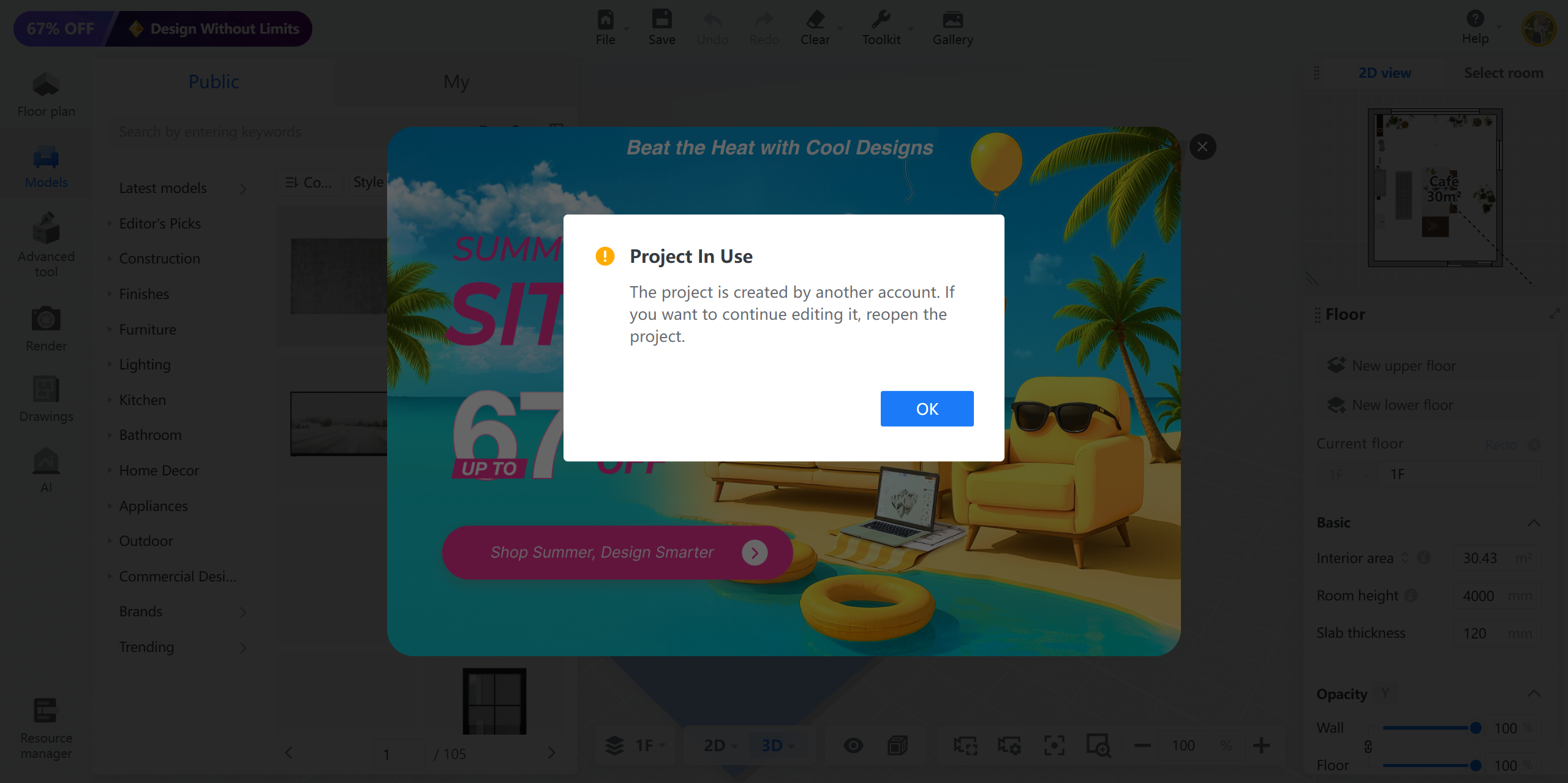
Some Coohom users will meet this pop-up window of **"Project In Use"** from time to time and thus are worried whether their accounts are hacked. This article will illustrate the reasons behind this and how to avoid this.
**Users: All Users**
*** ** * ** ***
**Reasons:** Coohom has banned the multiple login for account and project for safety purpose. Here are several common situtations that will trigger the message.
* Open the same project again on the current broswer while working on that project
* Log in the account and open the same project on a new different broswer such as Microsoft edge browser while working on the Chrome broswer.
* Log in the account and open the same project on the web broswer while working on that project in the PC app.
**Conclusion:** Hence, kindly always work on one project on one device at a time.
For any further concerns, please feel free to reach Coohom Support team via: [support@coohom.com](mailto:support@coohom.com).