# ai-template-errors-and-solutions
> Learn how to troubleshoot common errors in Coohom's AI templates for room design. Ensure accurate room settings and template usage for a seamless experience. Get started now.
- **URL**: https://www.coohom.com/helpcenter/ai-template-errors-and-solutions
- **Locale**: en_US
- **Updated**: 2026-06-10
## Content
Our Coohom users may meet some unexpected errors while applying the AI template to their designs. This article will illustrate some commonly met errors.
**Users: All users**
*** ** * ** ***
**Type 1**: While applying the AI template, user gets the message "The layout of the room is under development, so stay tuned".
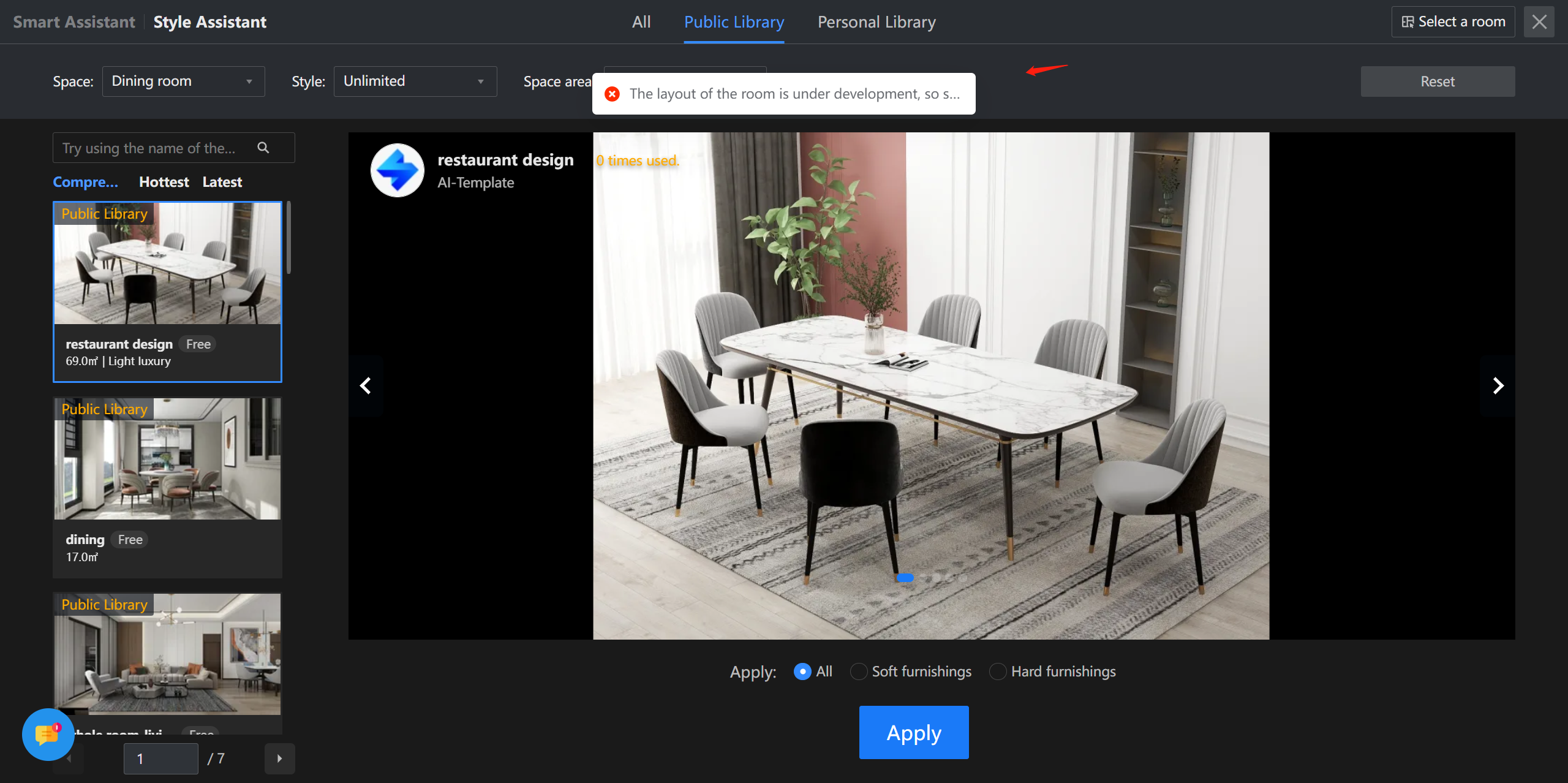
This happens to Dinning room or other room types that are still under development. Hence, kindly manually add the interior designs while meeting this error.
**Type 2**: User applied one room type such as living room but got the bed room design.
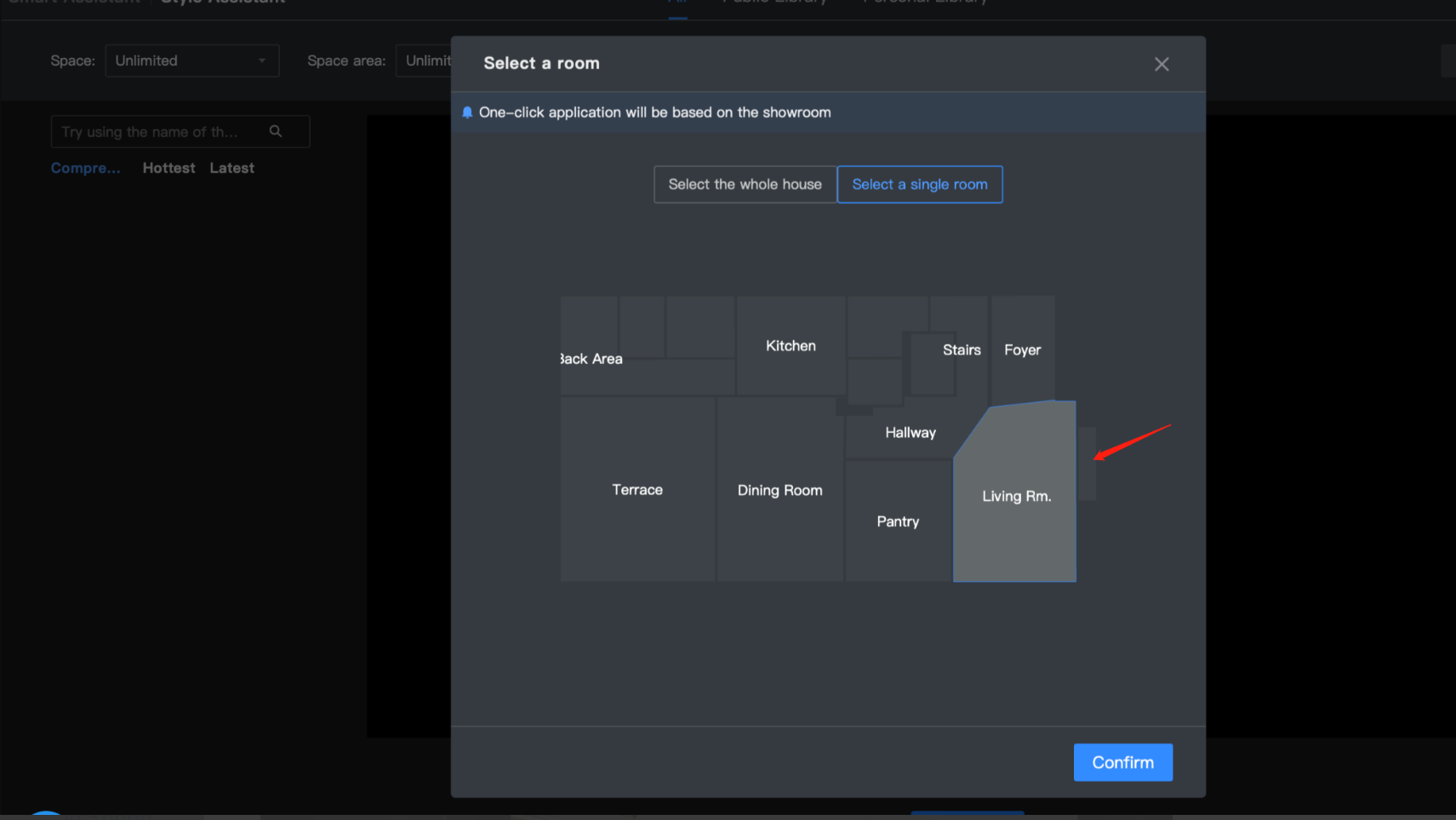
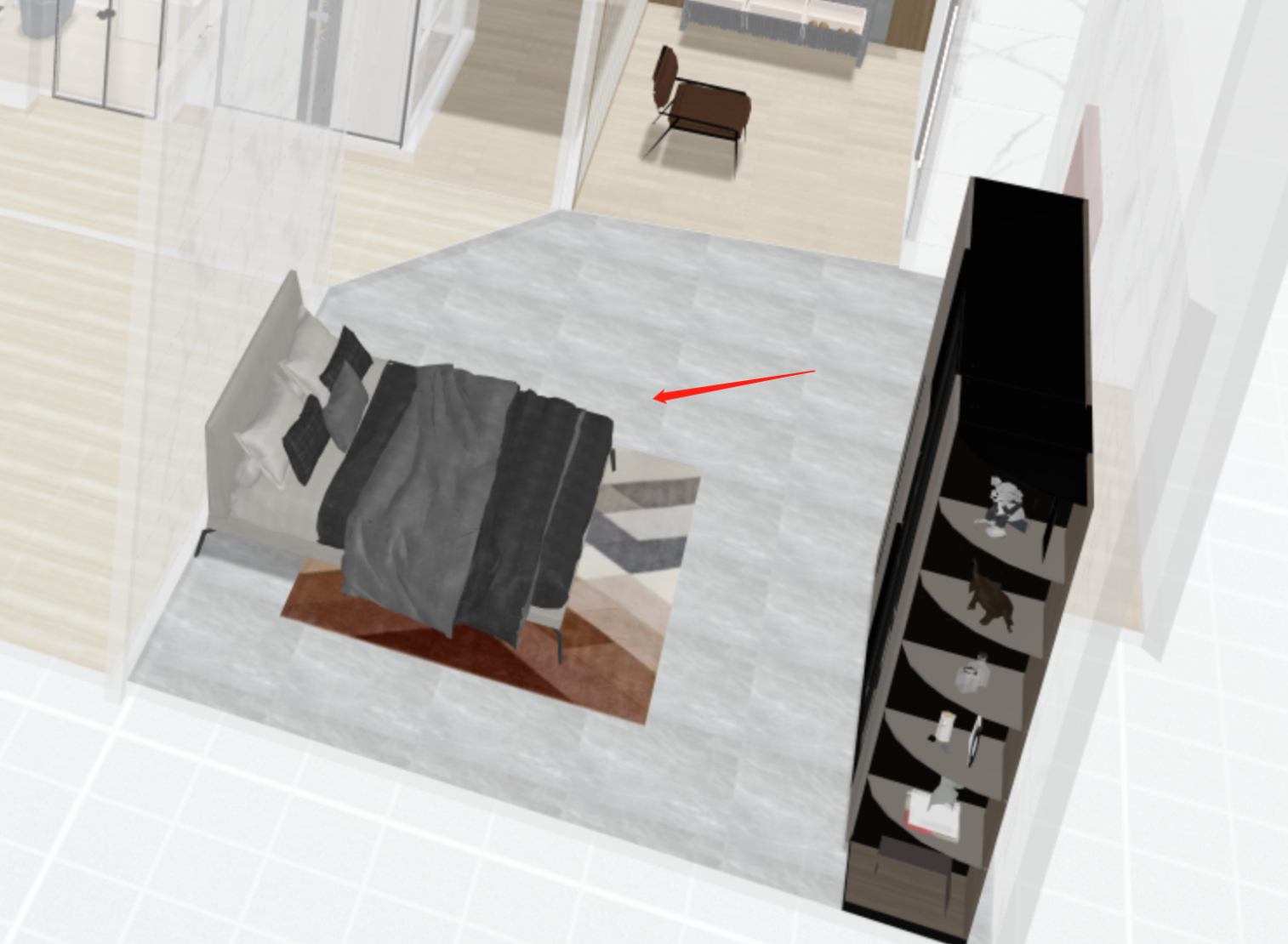
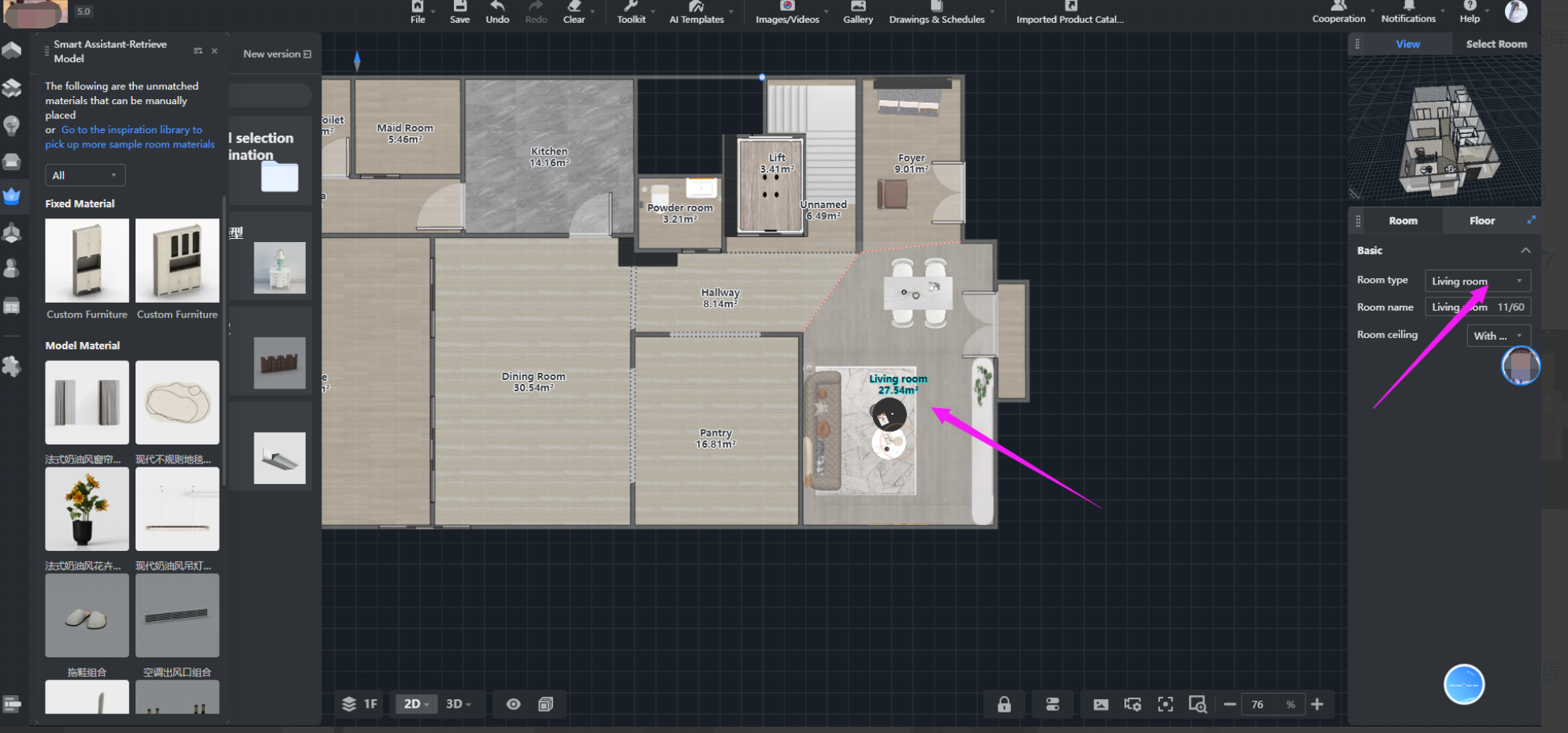
This occurs due to the fact that the AI template logic is based on the room type and that the user only set the room name but did not set the room type correctly. Here is the reference image of correct setting.
**Type 3**: While applying the AI template, user gets the message "There is a mistake between the templates. It is recommended to replace".
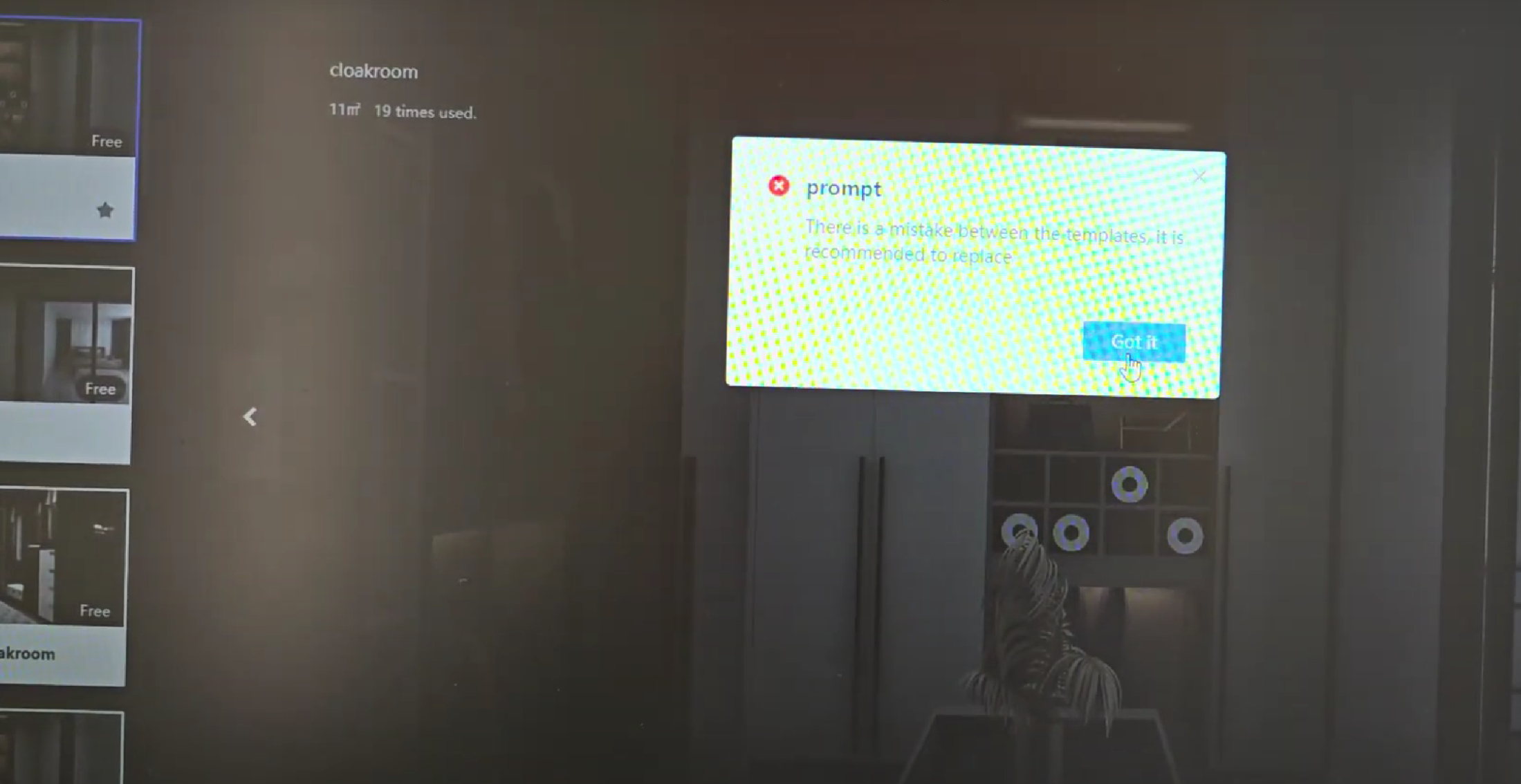
This error happens to a few old templates uploaded quite a long time ago. Kindly change to other templates while meeting this error.
**Type 4**: While applying the AI template, the user gets the error "Exceeded the limit on the number of matching rooms".
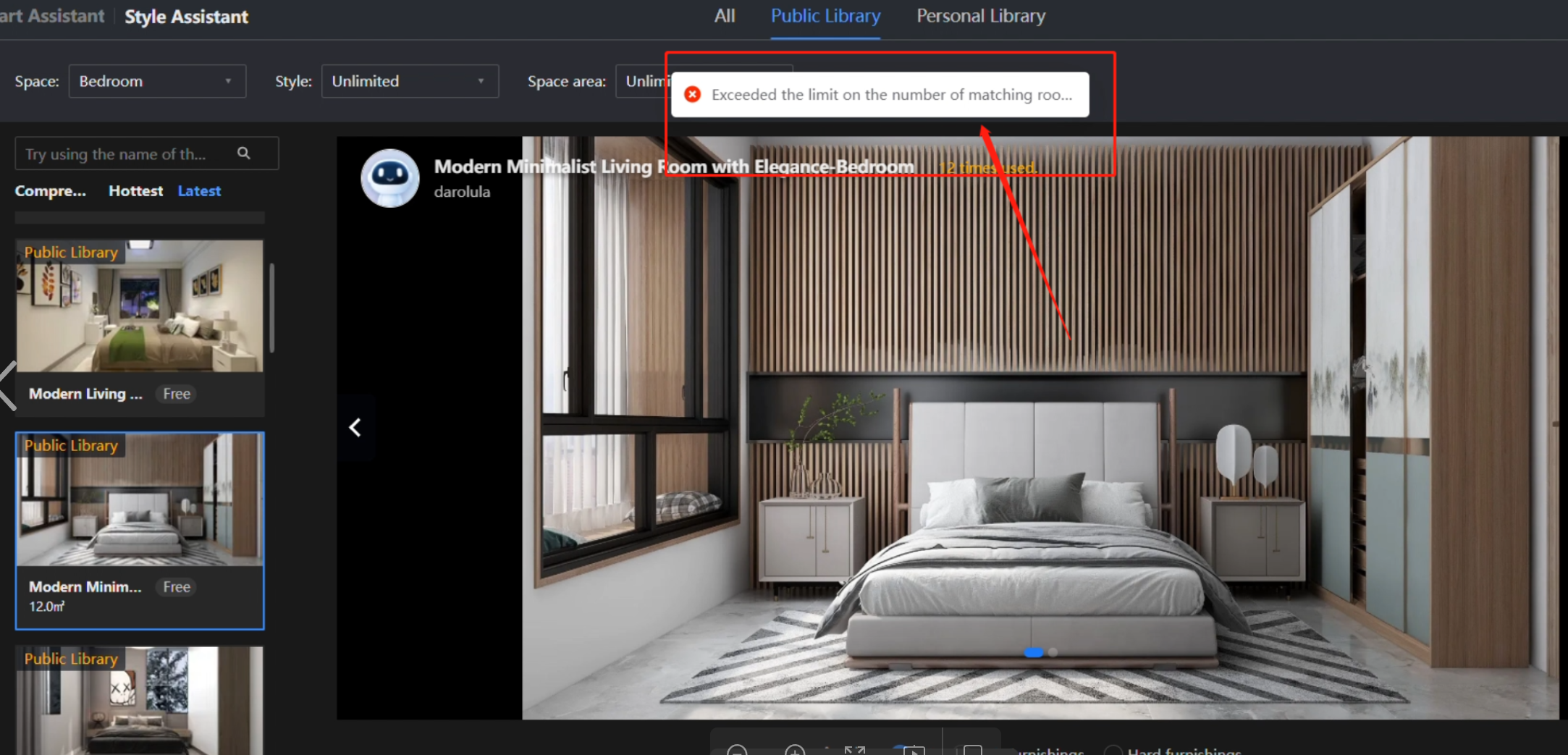
This is because the current maximum number is 40 for a whole project. Once exceeding this number, it will fail. Hence, please control the room number below 40 before applying.
Although there are some errors while using the AI template function, our product is trying to optimize this. We sincerely appreicate your kind understanding on this.
For any further concerns, please feel free to contact Customer Service team via: [support@coohom.com](mailto:support@coohom.com).