# render-how-to-fix-shadows,-noise,-and-black-blobs-in-images
> Learn how to fix overlapping surfaces and noise issues in Coohom renders for improved design clarity. Adjust surface settings and light sources efficiently. Start designing now.
- **URL**: https://www.coohom.com/helpcenter/render-how-to-fix-shadows%2C-noise%2C-and-black-blobs-in-images
- **Locale**: en_US
- **Updated**: 2026-06-11
## Content
Problem 1
=========
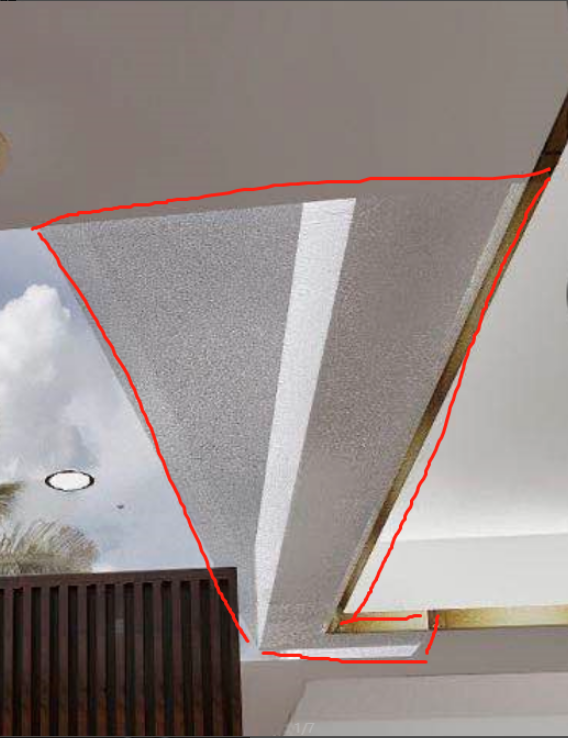
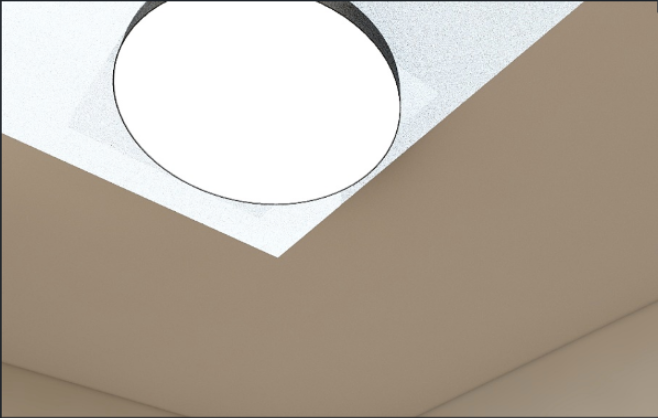
As shown in the following images, part of the red line in Image One is a shadow; there is an anomaly on the surface of the model in Image Two; spots appear on the ceiling in Image Three, which we refer to as overlapping surfaces (noise/shadows/black spots).
Reason 1
========
The overlapping of two surfaces of the model will result in the situations shown below.
1. In the first image, you can see that there is no object in the sky area, but a similar situation occurs. This is because there is a piece of transparent glass in the same position, and when rendering, the surfaces of the glass and the ceiling overlap, resulting in the situation shown below.
2. This situation often occurs in custom panels or cabinets because the model had overlapping surfaces during modeling, leading to shadows when rendering.
3. When the light source and the model overlap, especially when the ceiling height and the surface light source height overlap, rendering will result in the situation shown below, with the ceiling disappearing.
Solution 1
==========
1. If it is the situation in Image One, simply delete the overlapping surfaces in the free construction. If this does not resolve the issue, try clearing the ceiling design.
2. Delete the overlapping surfaces in the model. If it is a custom cabinet model, try to find and delete the overlapping components in the resource list.
3. Adjust the height of the lower light source to prevent it from overlapping with the ceiling height.
Problem 2
=========
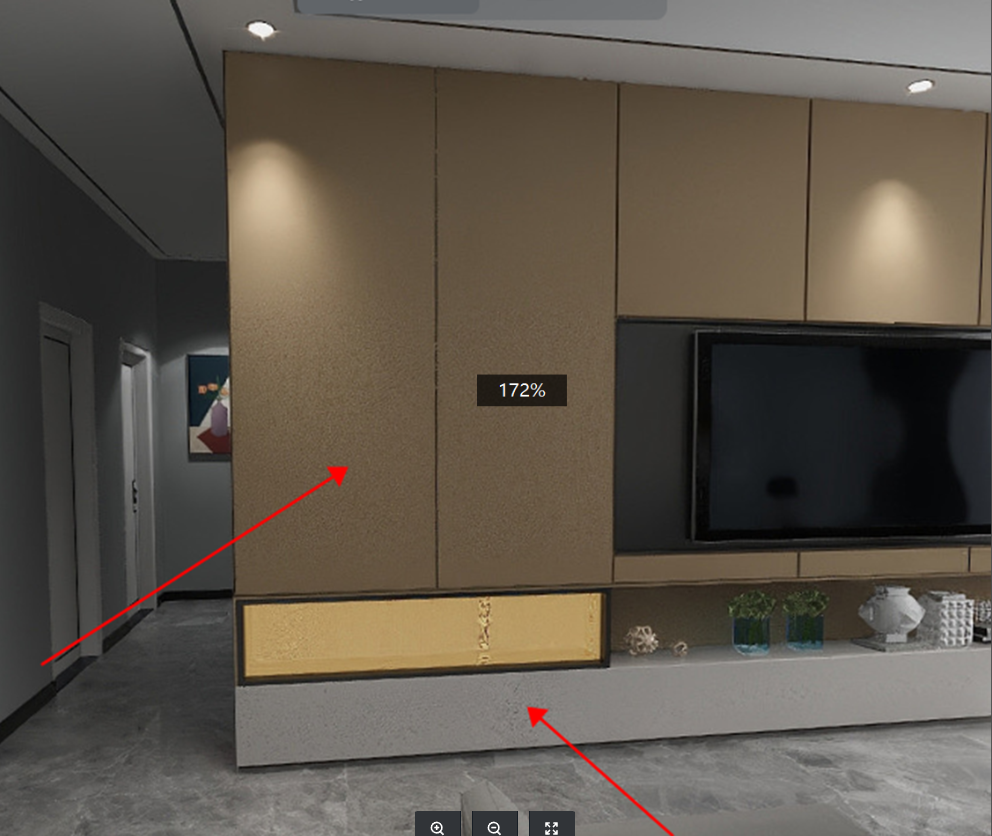
The image is very clean, but noise appears on a local material, as shown below.
Reason 2
========
1. An option in the parameters of the uploaded model is set below 1, leading to the situation shown below. If it is a public library material, then there is a problem with the uploaded material.
2. The light is too dim.
Solution 2
==========
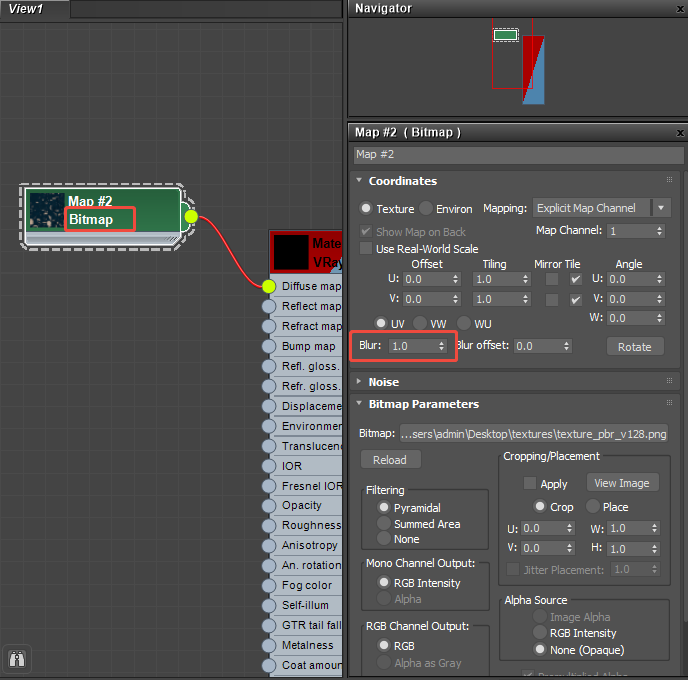
1. If it is the material you uploaded, simply adjust the blur value in the material properties to the default value of 1 in Max, then re-upload. If it is a public library material, it is recommended to replace it with another material or upload a new one.
2. Increase the brightness of the light.