# requirements-for-uploading-copy-images-to-generate-floor-plans
> Learn how to upload floor plan images for automatic wall and window recognition to enhance design efficiency. Follow guidelines for better accuracy. Start designing now.
- **URL**: https://www.coohom.com/helpcenter/requirements-for-uploading-copy-images-to-generate-floor-plans
- **Locale**: en_US
- **Updated**: 2026-06-11
## Content
Coohom supports uploading floor plan images, automatically recognizing and generating walls and windows. This article will explain in detail the requirements for uploading copy images to generate floor plans. Following these requirements will improve the recognition of drawings and increase design efficiency.
For Users
=========
All users
Requirements for Uploading Copy Images to Generate Floor Plans
==============================================================
1. Format Requirements
----------------------
Support uploading drawings in **JPG/JPEG/PNG/PDF** format for recognition.
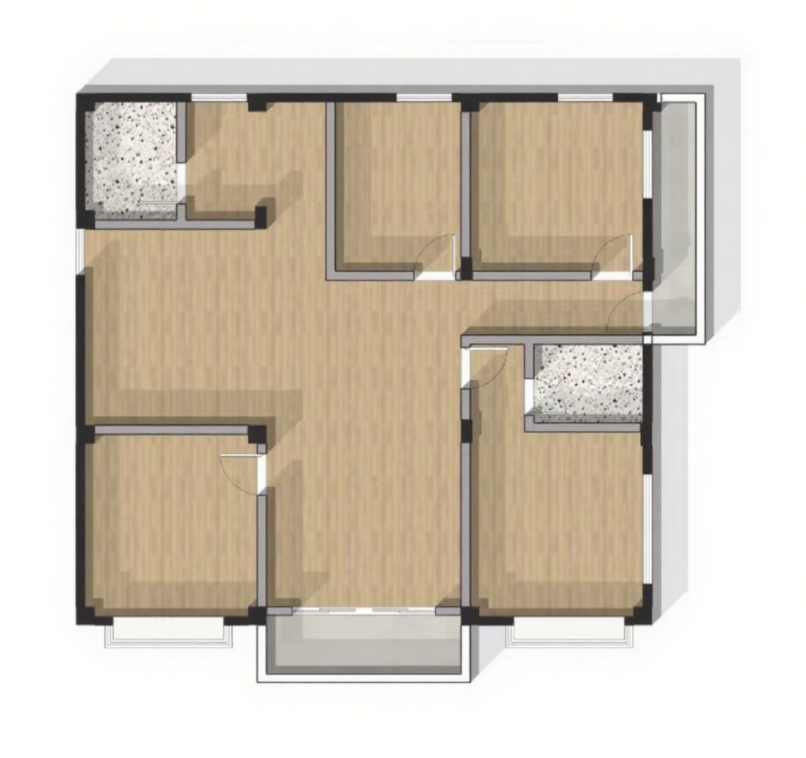
2. Walls as Double-Line Structure
---------------------------------
In the uploaded drawings, walls must use a double-line structure, meaning the walls are drawn with two parallel lines, making it easier to recognize the wall area.
3. Upload Real Floor Plans
--------------------------
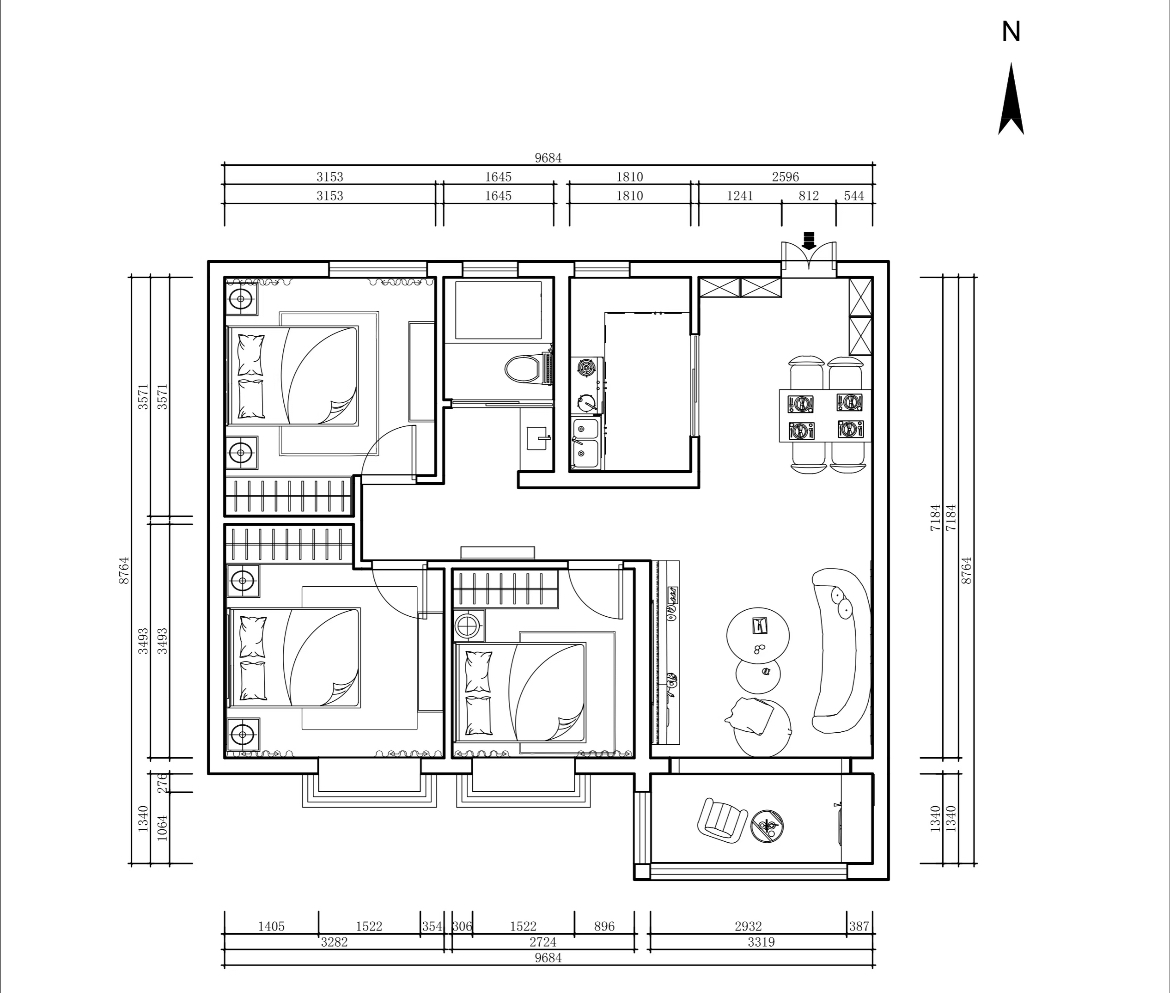
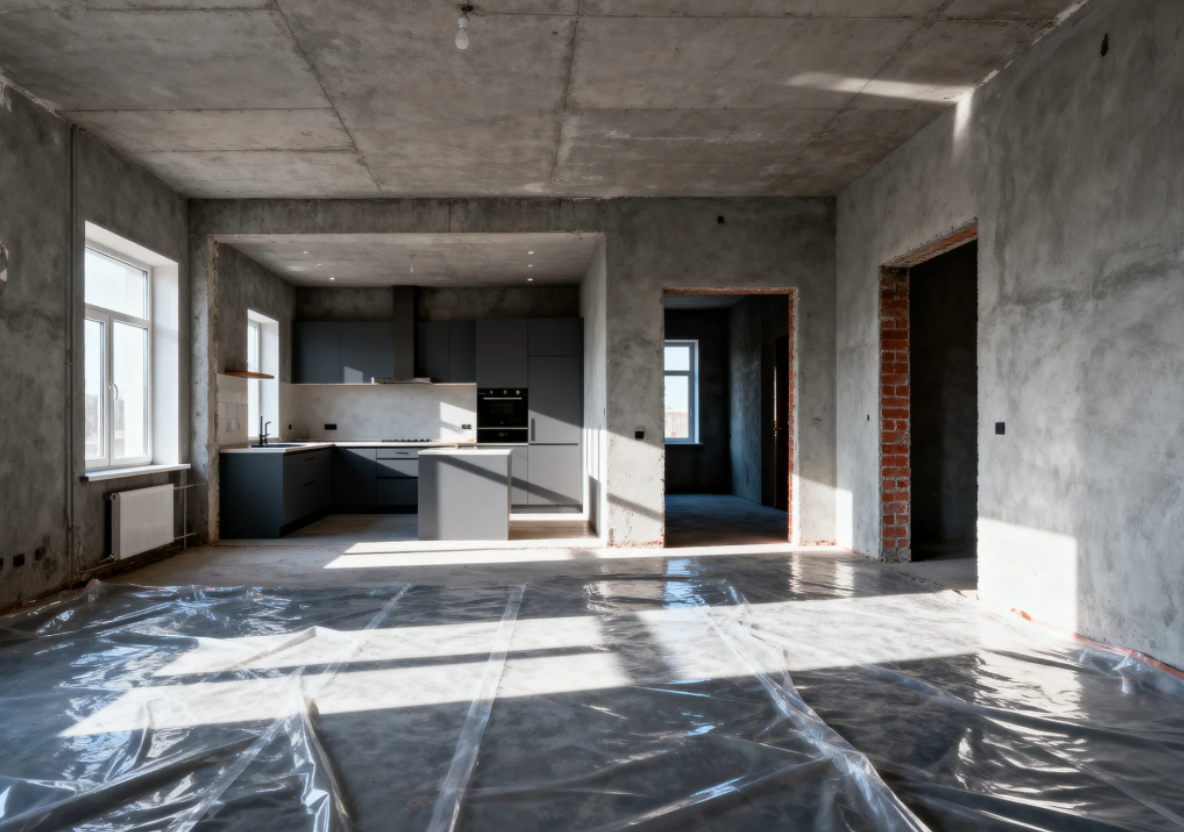
You need to upload real floor plans, which should accurately reflect the actual layout of the house, such as house layout plans provided by renovation companies or real estate agents. Images not related to house layouts, such as on-site construction photos, are not considered compliant floor plans and cannot be uploaded.
|------------------------------------------------------------------------------------------------|-----------------------------------------------------------------------------------------------|
| ✅Real Floor Plan | ❌Non-Floor Plan |
|  |  |
4. Keep Proper Margins Around the Floor Plan
--------------------------------------------
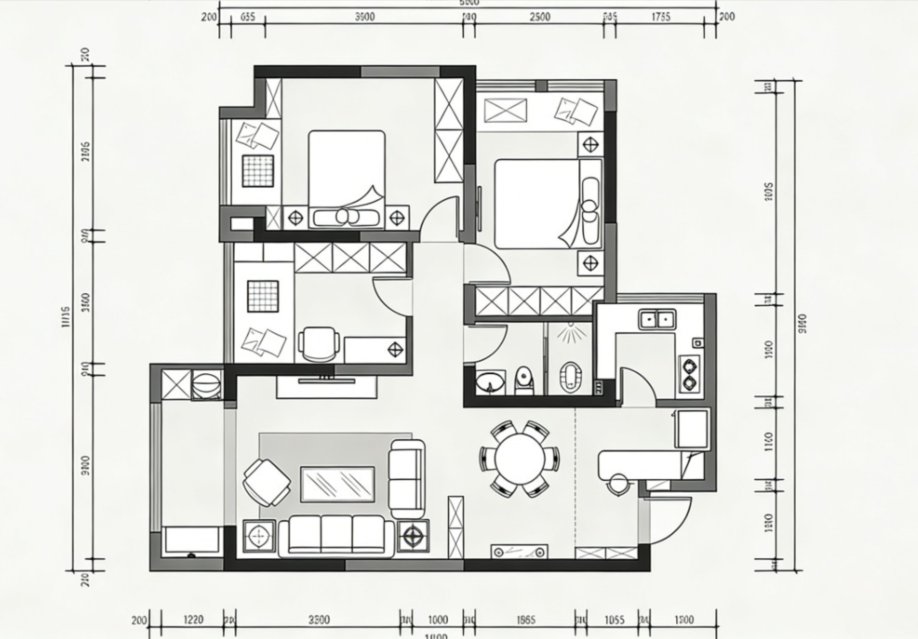
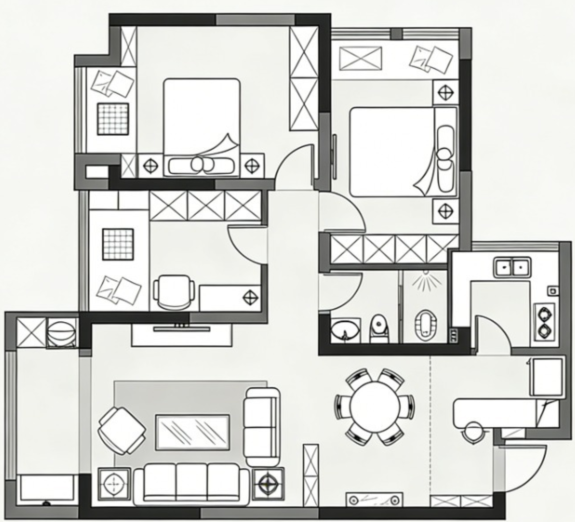
When uploading a floor plan, please ensure there is adequate blank space around all edges. Do not let the floor plan lines touch or go beyond the image borders. This helps the system recognize the layout more clearly and accurately, improving the success rate and precision of automatic floor plan generation.
|------------------------------------------------------------------------------------------------------|-----------------------------------------------------------------------------------------------|
| ✅Leave White Space Around | ❌No White Space Around |
| 
|  |
5. Hand Drawings Not Supported
------------------------------
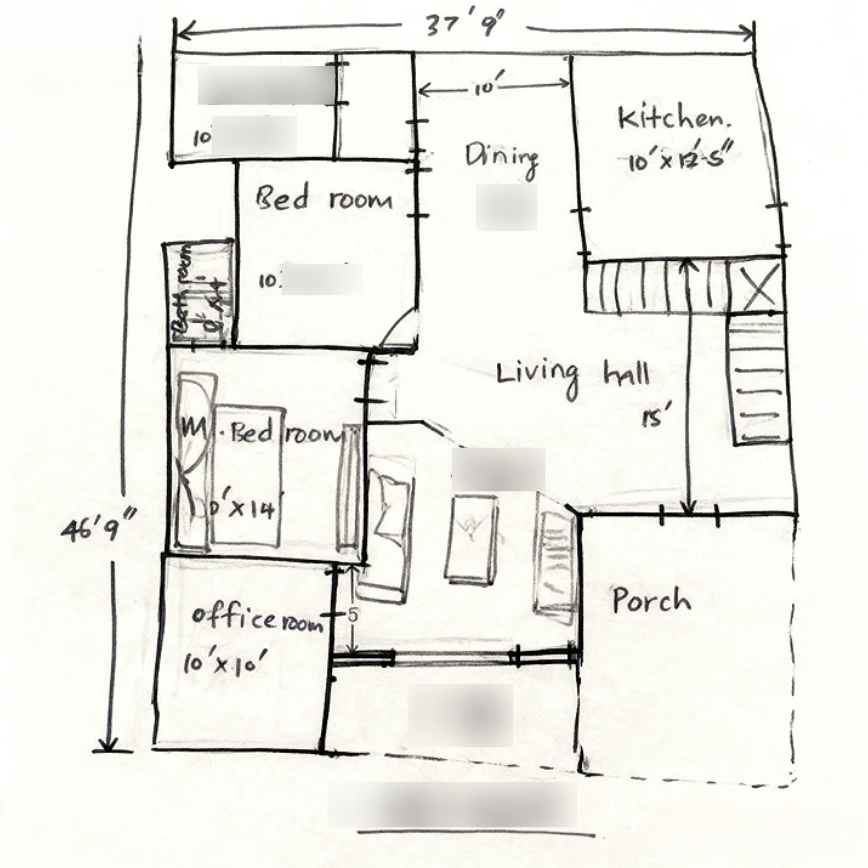
Hand drawings cannot be uploaded, as their lines and proportions may lack standardization, making accurate recognition difficult.
6. On-Site Photos Not Supported
-------------------------------
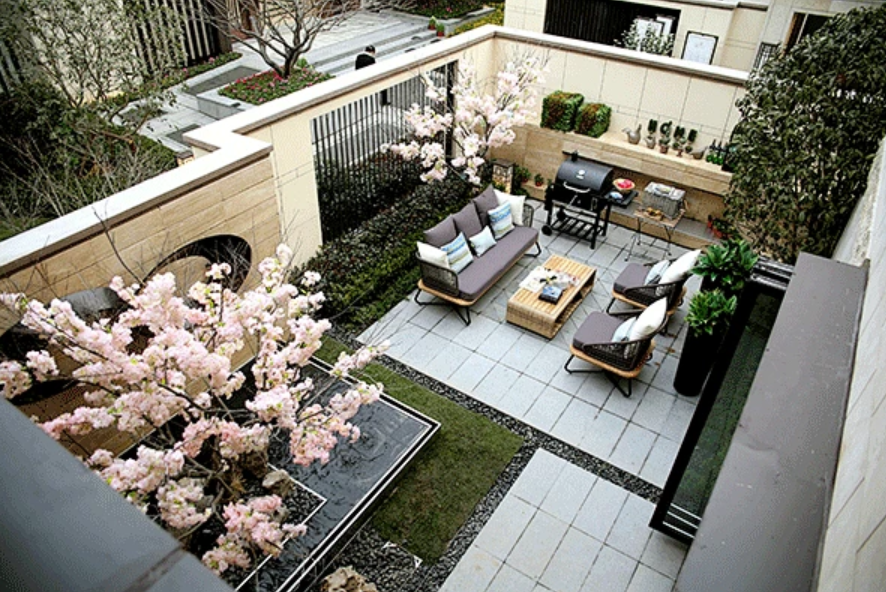
On-site photos of the actual house, such as walls, floors, and ceilings, cannot be uploaded as they do not clearly show the overall floor plan structure and cannot be used for tracing recognition.
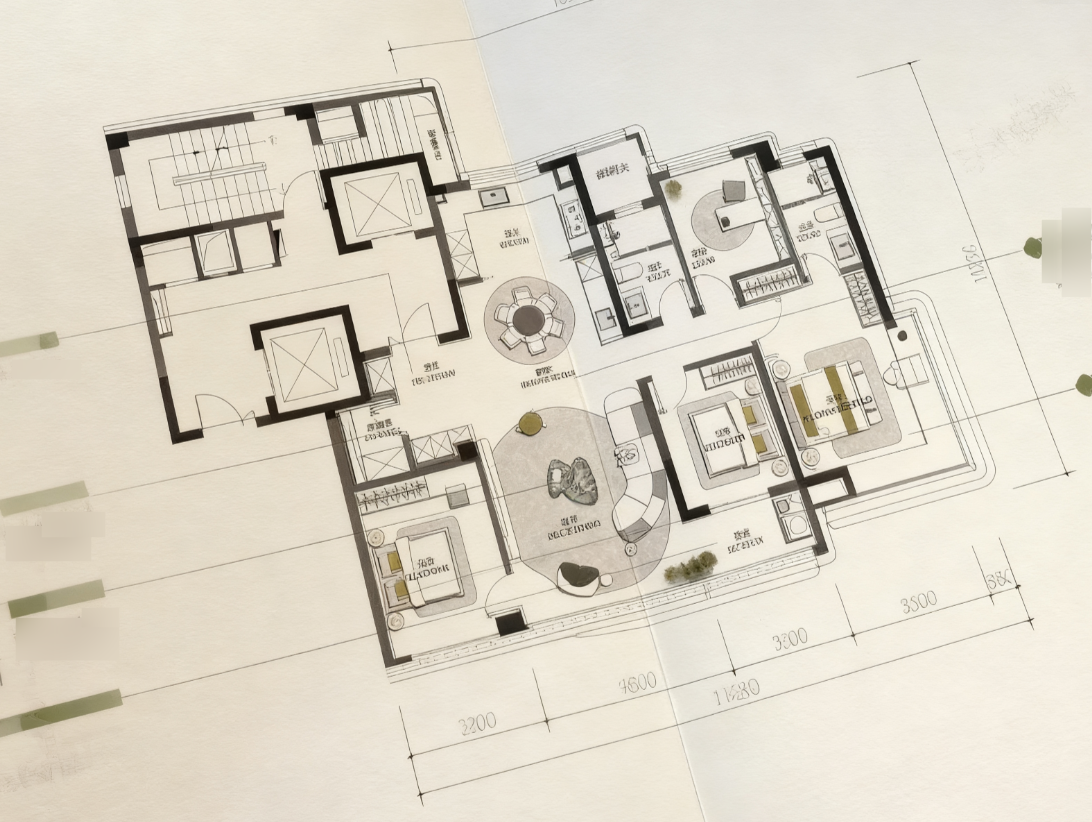
7. Secondary Photographed Images Not Supported
----------------------------------------------
It is recommended to upload the original drawings first, as secondary photographed images often result in image distortion and perspective deviations, leading to failed recognition.
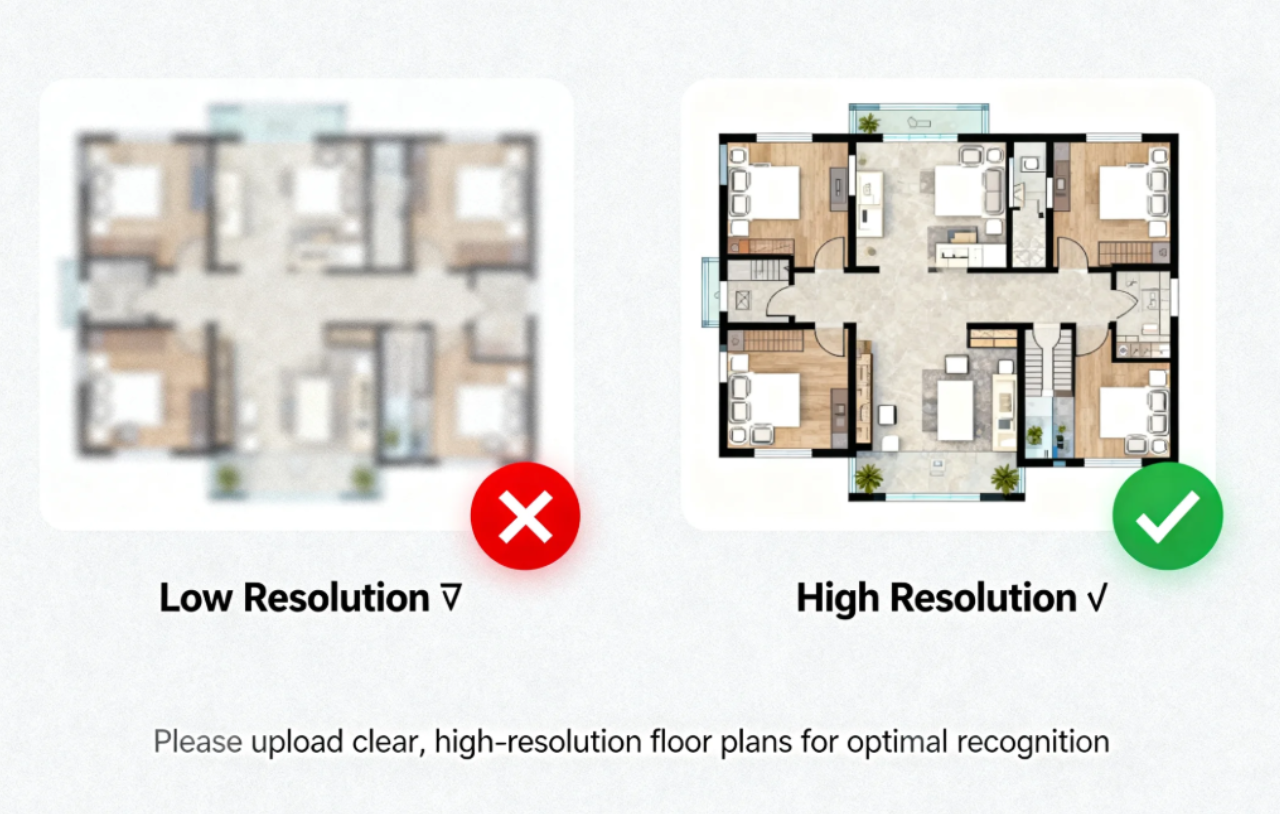
8. Image Elements are Clearly Visible, Avoid Low Resolution Images
------------------------------------------------------------------
Uploaded images should have clear and visible elements, avoiding low-resolution images. If the image is blurry, it will not be possible to recognize key information like lines and dimensions in the drawings.