# how-to-reset-password-when-forgotten
> Trouble logging in? Reset your Coohom account password in minutes with our simple step-by-step guide. Secure your access now. Start designing today!
- **URL**: https://www.coohom.com/helpcenter/how-to-reset-password-when-forgotten
- **Locale**: en_US
- **Updated**: 2026-06-24
## Content
If you forget your password and can no longer log in to your account, follow these steps to help you quickly reset your password.
For Users
=========
All users
Main steps
==========
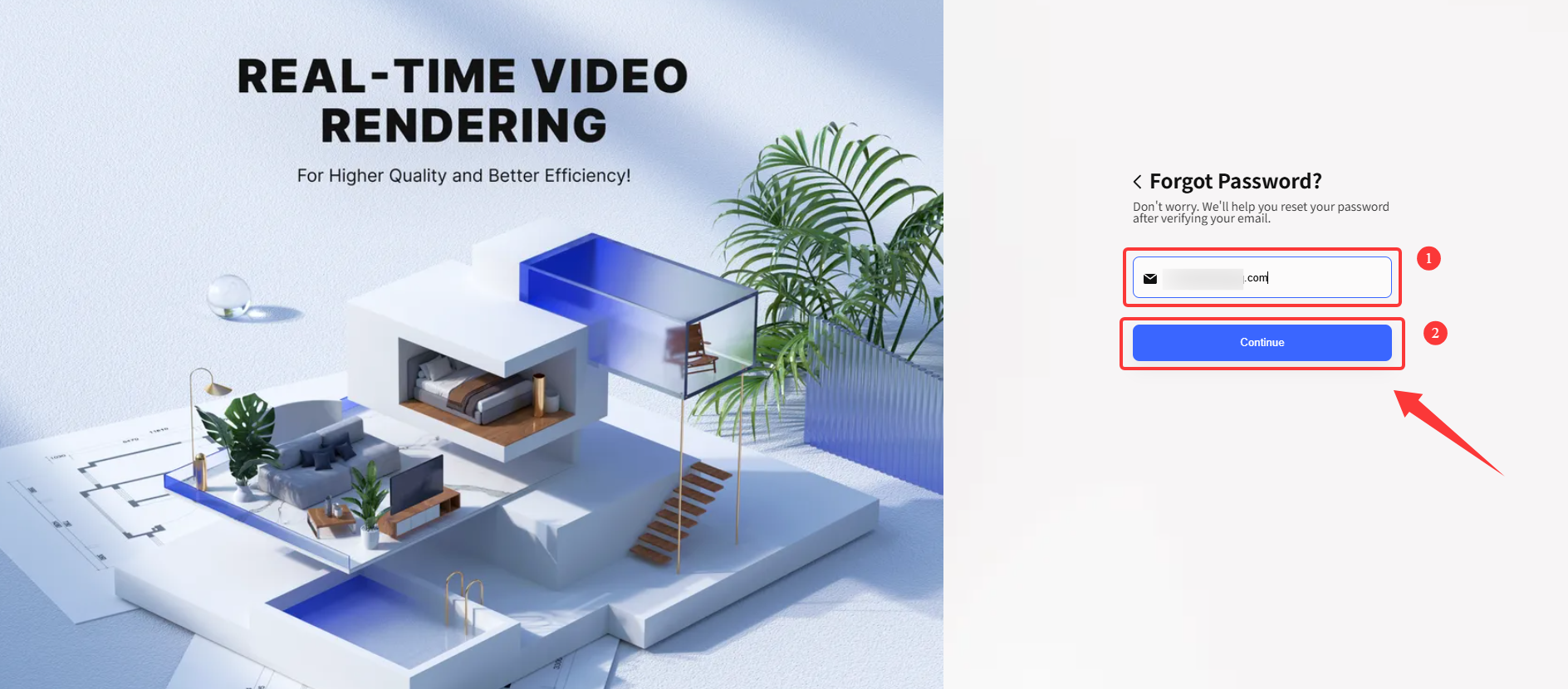
1. Visit the page: [Click to Visit](https://www.coohom.com/user/forgetpassword?kjl_source=hc) and enter your email, then click the **Continue** button.
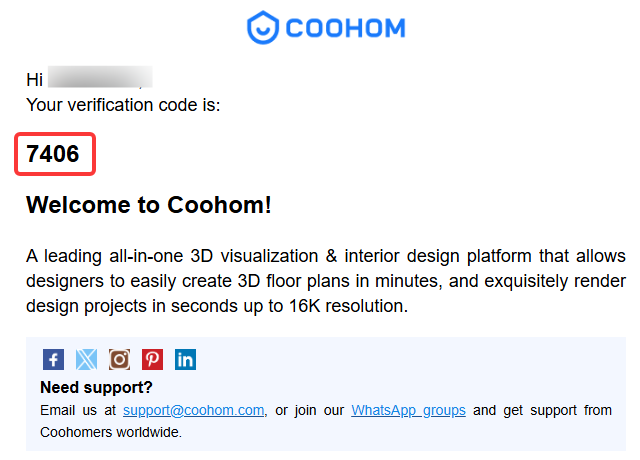
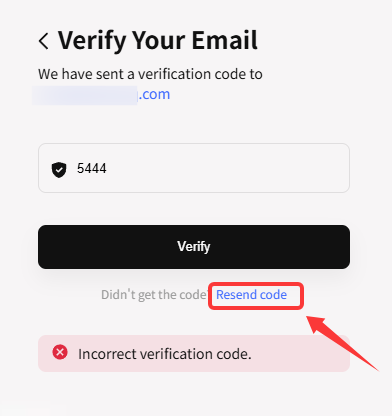
2. You will receive a **4-digit verification code** in your email. Enter the verification code and click **Verify**.
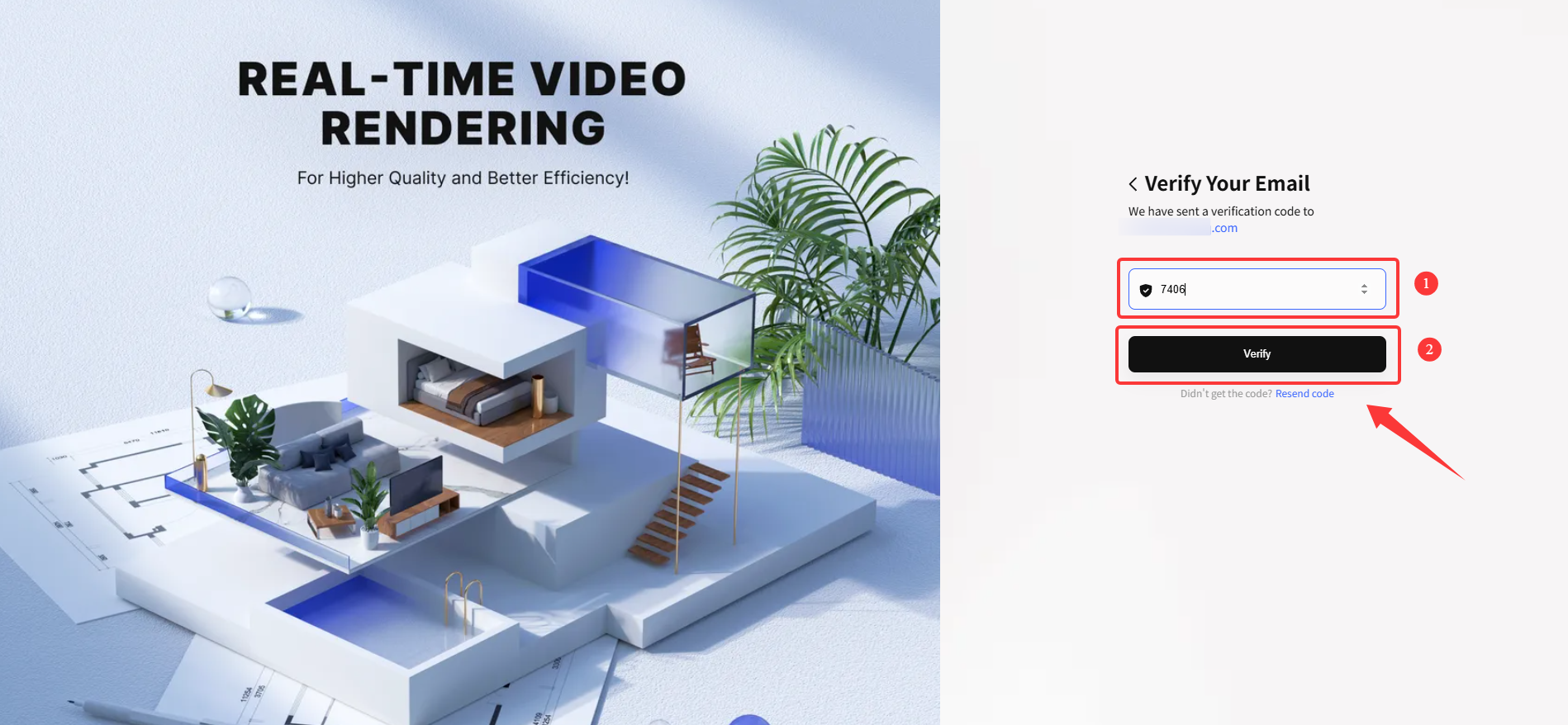
* **Note:** If the verification code expires and shows**Incorrect Verification Code** , you can click **Resend Code** below, and a new code will be sent to your email.
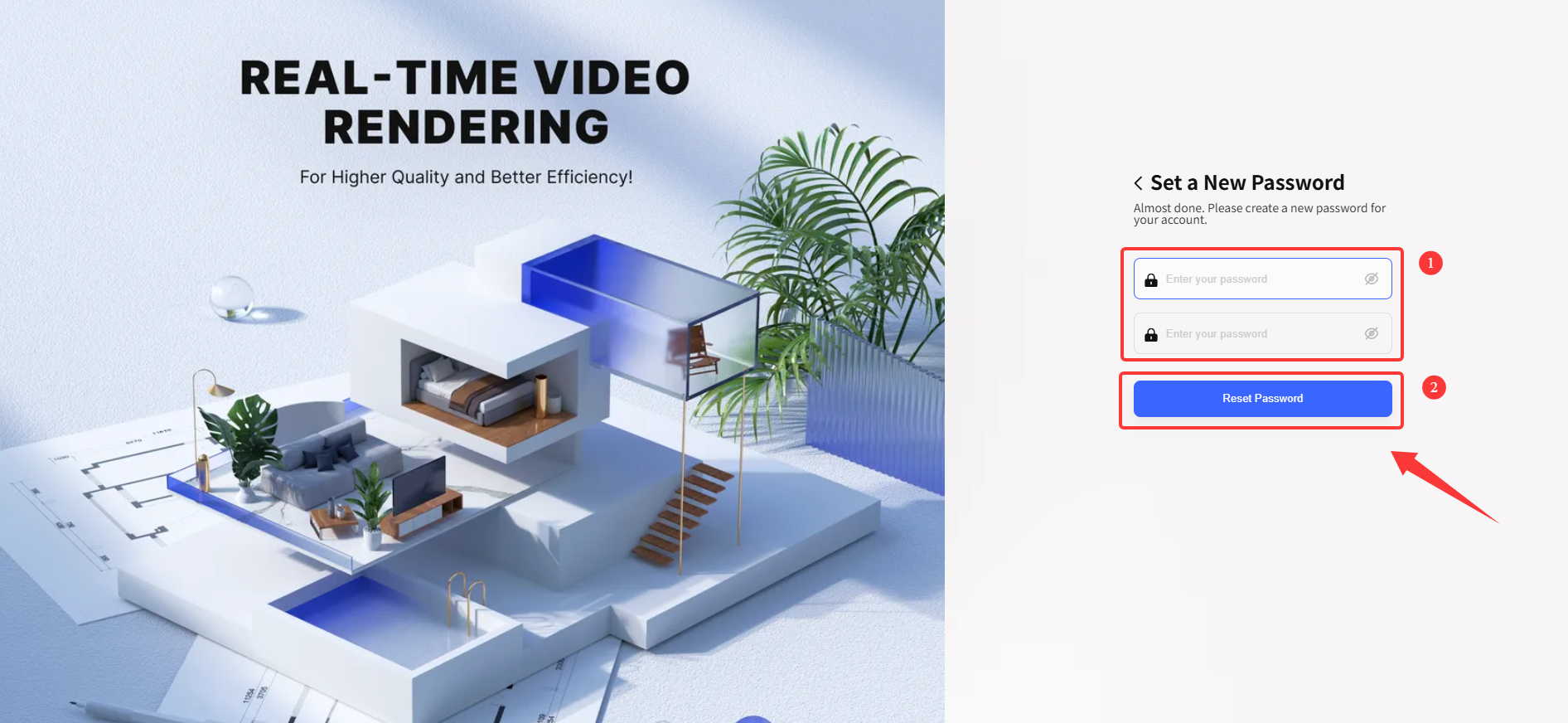
3. After entering the new password you want to set, click **Reset Password** to complete the password reset.