Upload your image
Start with an AI-generated interior image that captures the room, style, and atmosphere you want.
Your favorite AI interior image is just the beginning. Turn it into an editable 3D space with Coohom Freeform. Move the furniture, explore materials, and make every detail yours — simply by asking.
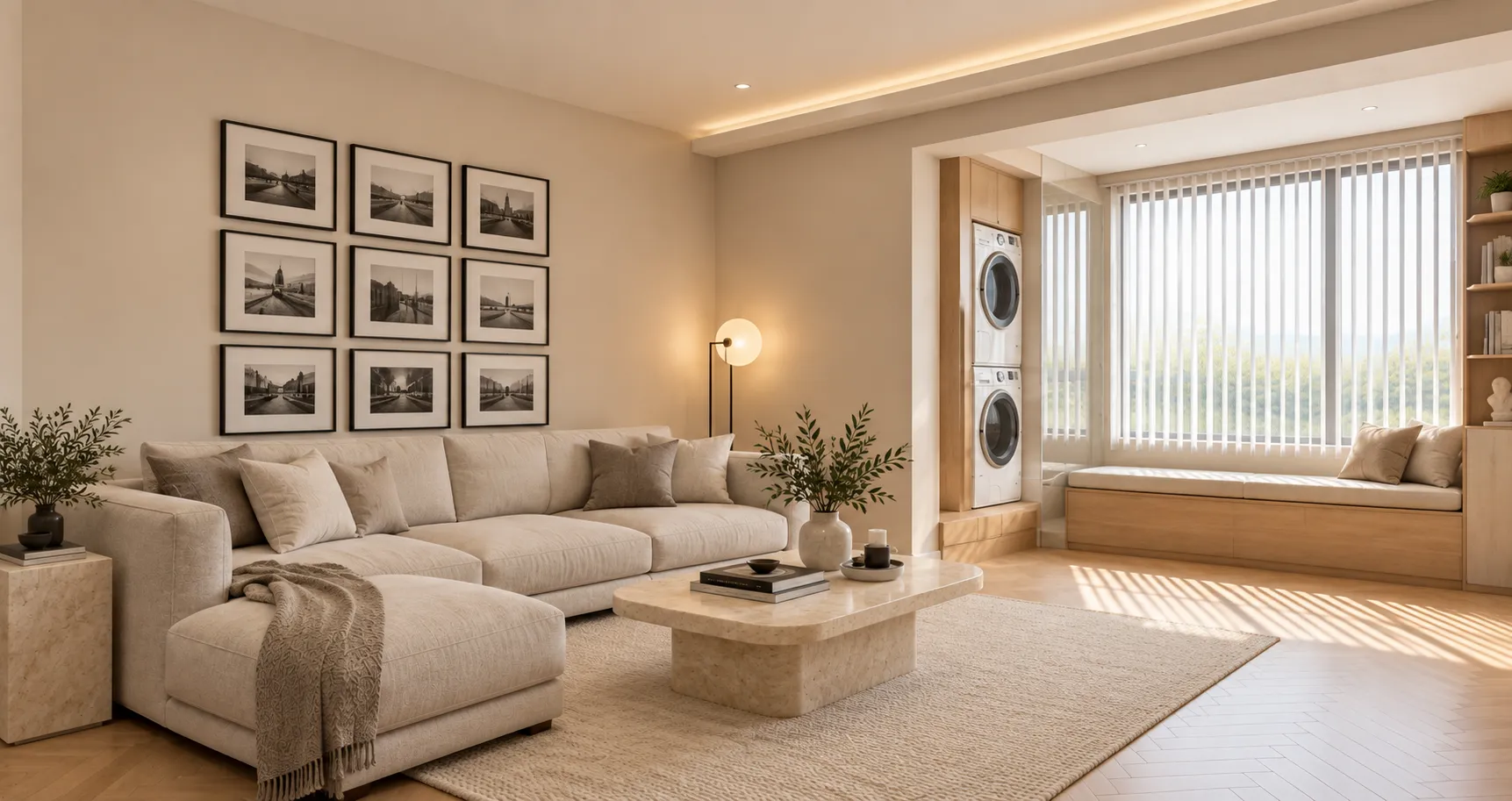
Prefer a download? Get the plugin package ↗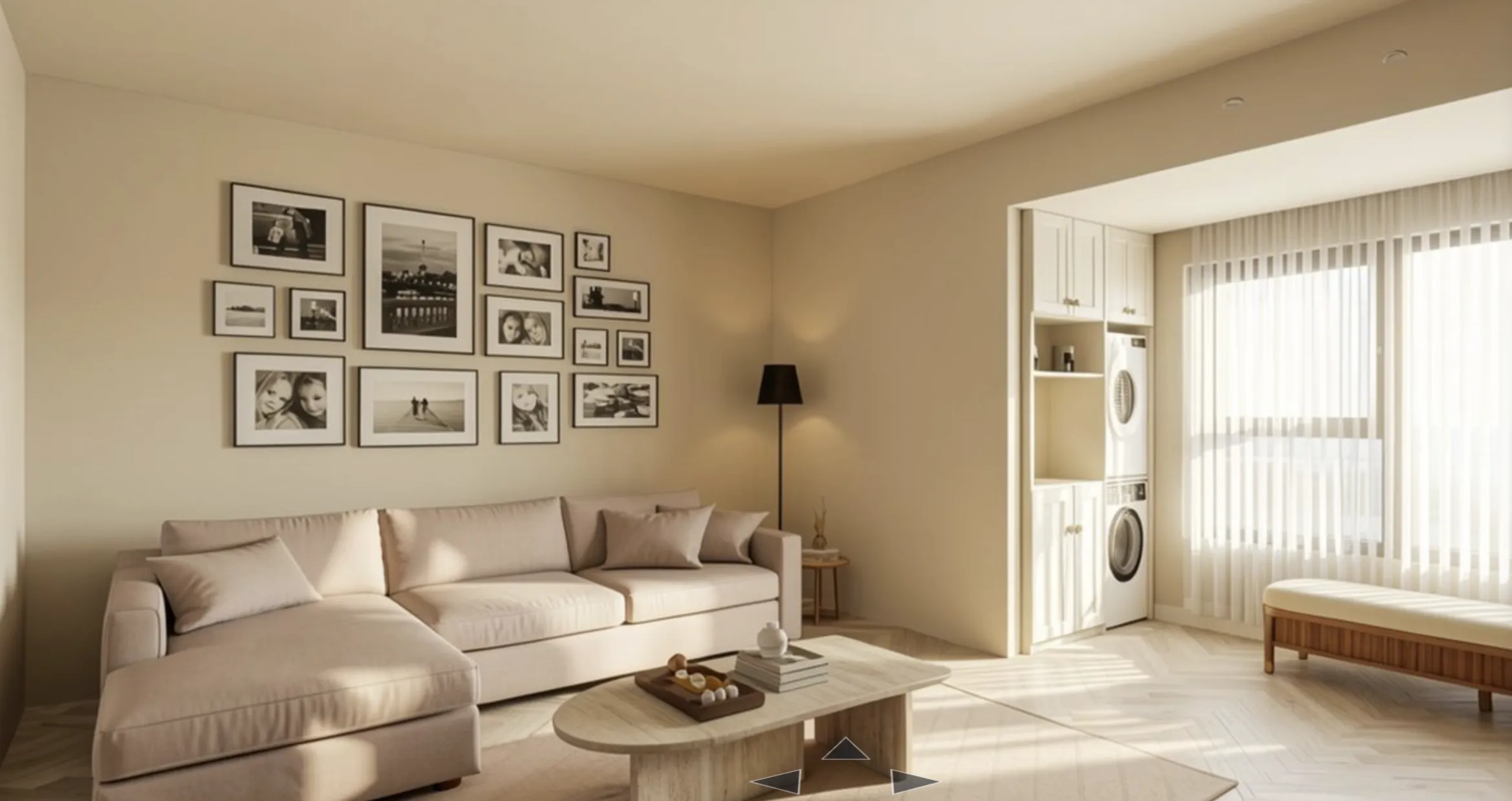 Editable 3D
 Generated image
“Turn this generated living room image into an editable 3D design. Match the cream sectional, gallery wall, wood coffee table, and window-side laundry alcove.”
Copy the installation request and send it to Codex. Codex reads the repository instructions and walks you through setup.
Click “Copy install command”
Start with an AI-generated interior image that captures the room, style, and atmosphere you want.
Let Freeform turn the image into a spatial 3D design with editable structure, furniture, and materials.
Move the sofa, change the flooring, or rethink the layout. Continue editing the 3D design through conversation.
Two ways to install. Let Codex handle setup from the repository, or download the package yourself.
Copy this installation request into Codex. It points Codex to the release directory and asks it to follow the installation instructions.
View installation repository ↗Read the installation instructions for Coohom Freeform Codex Plugin at https://github.com/manycore-research/Coohom-Freeform. Follow the documented steps to install the plugin for my operating system. If the repository requires access or the instructions are unavailable, stop and tell me what is needed. After installation, verify the plugin is enabled and tell me how to start a new task.
When installation finishes, restart Codex and begin a new task.
Set up Coohom Freeform in three simple steps.
Download & unzip. Keep the complete plugin package together.
Run the installer. Open Install.command on macOS or Install.cmd on Windows.
Restart Codex & connect. Enable Coohom Freeform, start a new task, and sign in to Coohom when prompted.
You’ll need Codex, a Coohom account, and an internet connection. Already installed? Save your scene and finish active design tasks before updating.
Create and refine home interiors such as living rooms, bedrooms, and kitchens. Work on room structures, furniture placement, colors, and materials in an editable 3D scene.
Yes. Share an image and describe the layout, materials, or atmosphere you want to explore. Include room dimensions when available; a photo alone does not provide exact measurements.
Yes. Continue the conversation to move furniture, adjust proportions, change materials, or explore a different layout. You can also work directly in the Coohom Freeform scene.
Install Codex and the Coohom Freeform plugin, then restart Codex and begin a new task. Sign in to Coohom when prompted and keep your scene connected while you work.
You choose when to save your scene in Coohom Freeform. Review the design and save it before closing the workspace or updating the plugin.

